

The Real Deal on Salesforce roles vs profiles
Whenever I'm onboarding a new admin or consultant, the first thing we talk about is the difference between Salesforce roles vs profiles. It's the bread and butter of security, but honestly, it's also the thing most people trip over. If you don't get this right from the start, you'll end up with a messy "spaghetti" security model that's impossible to maintain.
So, what's the short version? Profiles control what you can do. Roles control what you can see. If you keep that one sentence in mind, you're already ahead of half the people taking the Admin cert. But let's look at how this actually plays out in a real project.
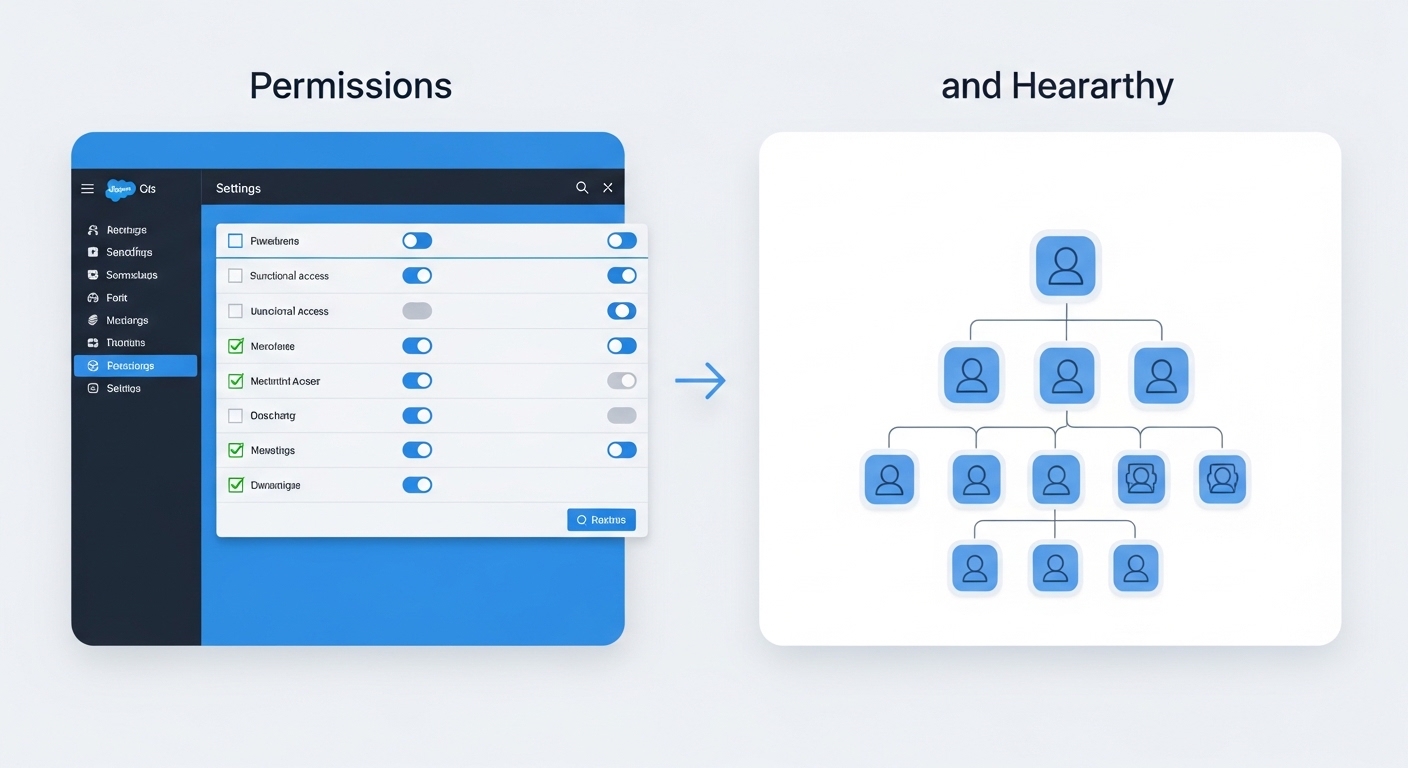
A technical diagram comparing a functional permissions checklist on the left with an organizational hierarchy tree on the right.
Profiles: The "What" of Salesforce roles vs profiles
When looking at Salesforce roles vs profiles, think of the profile as your job description. Every single user has to have one profile - no exceptions. It defines the baseline of what buttons they can click and what data they can touch.
I've seen teams try to use profiles to hide specific records, and it just doesn't work. Profiles are about the "Object" level. Can this person see the Lead object at all? Can they delete an Account? Can they see the "Social Security Number" field? That's all profile work. It also handles the boring stuff like login hours and which apps show up in the App Launcher.
What Profiles actually handle:
- Object Permissions: The classic CRUD (Create, Read, Edit, Delete).
- Field-Level Security: Which specific fields are visible or read-only.
- Page Layouts: What the page looks like when a user lands on it.
- System Permissions: Things like "Export Reports" or "Modify All Data".
Roles: The "Who" and "Where" of Salesforce roles vs profiles
This is where the Salesforce roles vs profiles debate gets a bit more specific. Roles are all about the record hierarchy. While a profile says "I can edit Opportunities," the role says "I can see the Opportunities owned by the reps who report to me."
In my experience, you should design your role hierarchy to look like your company's org chart, but only for the parts that care about data visibility. If a manager needs to see their team's data, they go above them in the hierarchy. It's that simple. Just be careful when deleting a role later on, as it can mess up your sharing logic if you aren't paying attention.
I once worked on an org that had 150 profiles for 200 users because they were trying to use profiles to manage record access. Don't do that. It's a maintenance nightmare. Use permission sets for the exceptions and let the roles handle the visibility.
How they work together in the wild
Here's a scenario I see all the time. A Sales Rep has a profile that lets them "Edit" Opportunities. But when they try to edit a deal owned by a guy in a different region, they get an error. Why? Because their role doesn't give them visibility into that specific record.
Think of it as a two-check system. First, Salesforce checks the profile: "Is this person allowed to edit Opportunities?" If yes, it then checks the role and sharing rules: "Can this person see THIS specific Opportunity?" If both are a yes, they're in. If either is a no, they're stuck.
Key Takeaways for Salesforce roles vs profiles
- Profiles are mandatory: Every user gets exactly one. They define the "What."
- Roles are for visibility: They open up record access vertically through the hierarchy. They define the "Which."
- Permission Sets are your friend: Instead of creating a new profile for one person who needs extra access, just use a permission set.
- The "Least Privilege" rule: Start with the most restrictive settings and open things up as needed. It's much easier than trying to lock things down after the fact.
Common mistakes to avoid
One thing that trips people up is thinking that roles grant permissions. They don't. You can be the CEO at the very top of the role hierarchy, but if your profile doesn't have "Read" access on the "Secret Project" object, you won't see a single record. Roles only give you access to records that your profile already says you're allowed to touch.
Also, don't overcomplicate the role hierarchy. You don't need a role for every single job title in the company. If ten different departments all have the same visibility needs, they can often share a role or stay at the same level. Keep it lean.
Setting up your security model this way makes your life as an admin so much easier. You'll spend less time troubleshooting "Why can't I see this?" and more time actually building useful features for your users. Just remember: Profiles for the "What", Roles for the "Which". Get that right, and you're golden.




Leave a Comment