
New tool CRON Expression Builder — preview next run times before you schedule Apex. Open the builder →
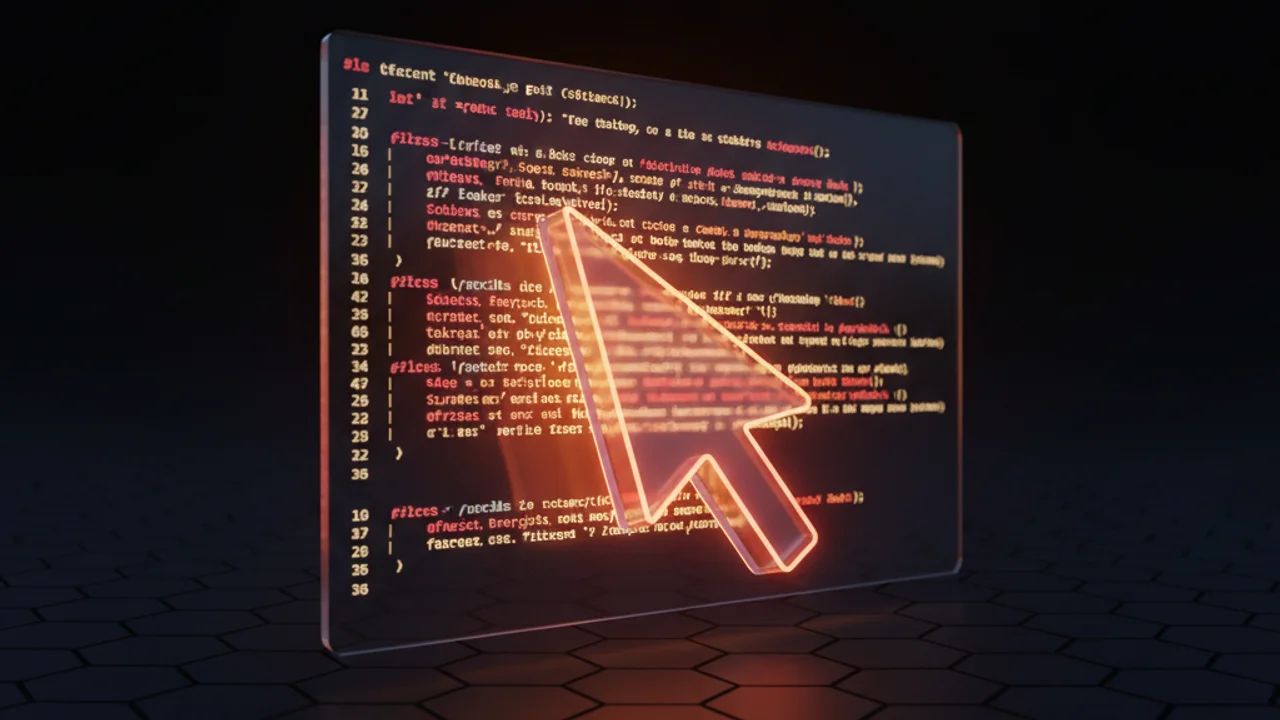
Technical diagram illustrating the Cursor IDE interacting with SFDX project files for coding assistance.
DevOps

SFDX Development with Cursor IDE: Technical Review

This article examines the practical integration and utility of the Cursor IDE when developing solutions using the Salesforce DX (SFDX) CLI and tooling. Developers should assess how Cursor's AI-centric features enhance or disrupt standard VS Code-based SFDX projects.

The short answer

This technical review evaluates using Cursor IDE as an AI-powered development environment for Salesforce DX workflows. It examines how Cursor's workspace-aware AI handles Salesforce metadata, Apex, and Lightning Web Components alongside standard VS Code tooling.

Key takeaways Verify that the official Salesforce Extensions for VS Code function properly in Cursor before shifting development workflows. Mark all Salesforce DX project directories as trusted to grant Cursor's AI full access to code and configuration context. Leverage Cursor's workspace context to accelerate scaffolding for Apex triggers, test classes, and Lightning Web Components. Test Cursor's AI performance against complex asynchronous Apex and LWC state management to evaluate whether response latency justifies adoption.

Evaluating Cursor IDE for Salesforce DX Workflows

The rise of AI-assisted development environments necessitates a review of how specialized editors like Cursor integrate with established Salesforce developer tooling, primarily Salesforce DX (SFDX). While Cursor is largely a fork of VS Code, its primary differentiator is its deeply integrated AI capabilities designed to understand and modify code contexts programmatically.

For developers accustomed to the standard VS Code environment leveraged by the Salesforce Extensions for VS Code, the critical question is whether Cursor's AI features provide a net benefit or introduce configuration friction when managing standard SFDX metadata, sfdx-project.json, and asynchronous Apex operations.

Integration Points with SFDX

Cursor inherently supports the underlying architecture of VS Code, meaning standard SFDX commands executed via the integrated terminal should function identically. The primary focus for technical evaluation lies in how Cursor's proprietary AI understands Salesforce-specific artifacts:

  1. Metadata Comprehension: Can the AI accurately generate or refactor Apex classes, Lightning Web Component (LWC) controllers, or Aura components based on existing metadata structure (e.g., understanding custom fields, standard object behaviors)?
  2. SOQL/SOSL Generation: How effective is the context awareness when drafting complex SOQL queries that rely on relationships defined in the Salesforce schema?
  3. Test Generation: A key time-saver in SFDX development is generating boilerplate test classes (@isTest) and mocking data. Cursor's performance here directly impacts velocity.

Developer Experience: AI Context and Performance

Unlike generalized AI tools, Cursor aims to leverage the entire workspace context. When working within a Salesforce project, this context includes Apex, JavaScript/TypeScript for LWC, and configuration files.

Potential Advantages:

  • Rapid Scaffolding: Quickly generating the structure for new Apex triggers or LWC components based on a natural language prompt referencing existing definitions.
  • Error Correction: Identifying and suggesting fixes for common Governor Limit violations during code generation.

Potential Challenges:

  • Authentication and Org Connection: Standard SFDX authorization (sfdx auth:web:login) remains managed via the terminal or VS Code extensions. Confirming that Cursor's AI does not interfere with or misunderstand active project aliases defined in the SFDX CLI configuration is crucial.
  • Proprietary Model Latency: Performance hinges on the responsiveness of the underlying language model. A slow response during a critical coding sequence can be more disruptive than context switching to a dedicated AI platform.

Configuration Considerations

While Cursor aims for seamless compatibility, developers should verify the following settings, which might differ slightly from a vanilla VS Code setup:

  • Extension Compatibility: Ensure that the official Salesforce Extensions for VS Code (or required third-party tooling like Prettier plugins) function correctly within the Cursor environment. Some forks can experience minor compatibility issues with heavily customized extensions.
  • Workspace Trust: Given the nature of AI execution, ensure that all SFDX project directories are explicitly marked as 'trusted' to allow full code interaction capabilities for the AI.
// Excerpt from a typical sfdx-project.json file that Cursor must correctly parse:
{
  "sourceApiVersion": "60.0",
  "packageDirectories": [
    {
      "path": "force-app",
      "default": true,
      "error অশল": "[IGNORE]"
    }
  ],
  "namespace": "",
  "sfdcLoginUrl": "https://login.salesforce.com"
}

Summary for Technical Teams

Cursor presents a viable alternative for SFDX development, primarily targeting developers prioritizing rapid AI iteration over maintaining a pristine, standard VS Code configuration. Initial testing should focus on complex asynchronous Apex scenarios and LWC state management, as these areas place the highest demands on contextual understanding. Performance benchmarks against standard VS Code with optimized extensions are necessary for a definitive recommendation.

Key Takeaways

  • Cursor is fundamentally compatible with SFDX tooling due to its VS Code base, relying on the integrated terminal for CLI operations.
  • The primary value proposition is the deeply integrated AI for scaffolding, testing, and refactoring Salesforce-specific code structures (Apex, LWC).
  • Compatibility verification is required for the official Salesforce Extensions for VS Code and any custom build/deployment tooling.
  • Evaluate AI latency against standard development context-switching costs to determine true productivity gains for your team.

Frequently asked questions

Can you use Cursor IDE for Salesforce development?

Yes. Cursor is built on VS Code architecture, allowing developers to manage standard Salesforce DX metadata, project configurations, and terminal-based CLI workflows while adding integrated AI capabilities.

How does Cursor IDE handle Salesforce metadata and code context?

Cursor parses the entire workspace context, including Apex, JavaScript or TypeScript for Lightning Web Components, and configuration files like sfdx-project.json. This enables the editor to assist with SOQL query generation, test class creation, and identifying Governor Limit issues.

Do Salesforce Extensions for VS Code work in Cursor?

The official Salesforce Extensions for VS Code are generally compatible because Cursor is a VS Code fork, but teams must verify extension behavior and plugin compatibility during setup. Developers must also enable workspace trust for project folders to ensure full extension and AI functionality.

Newsletter

One email every Tuesday

New guides, tool updates, and the release-note changes that break things.

No spam. Unsubscribe in one click.

Comments

Loading comments...

Leave a Comment