


Architecting Salesforce integrations inside Microsoft Office
Putting Salesforce functionality directly into Excel or Outlook is an appealing idea for anyone who wants users to stay productive and their data in sync. For developers and architects, the hard part is a secure, bidirectional channel between the client side Office context and the Salesforce platform.
Core integration vectors
A few technical routes cover most of what people actually ask for:
- Screen Flows and LWC embedding. The most direct approach is to embed a custom interface, built with LWC or with Flow, inside the Office application's extensibility model, which in practice means an Office Add-in.
- Bidirectional data sync. You need a reliable way to read data out of the Office document into Salesforce, and another to push Salesforce data back into the document.
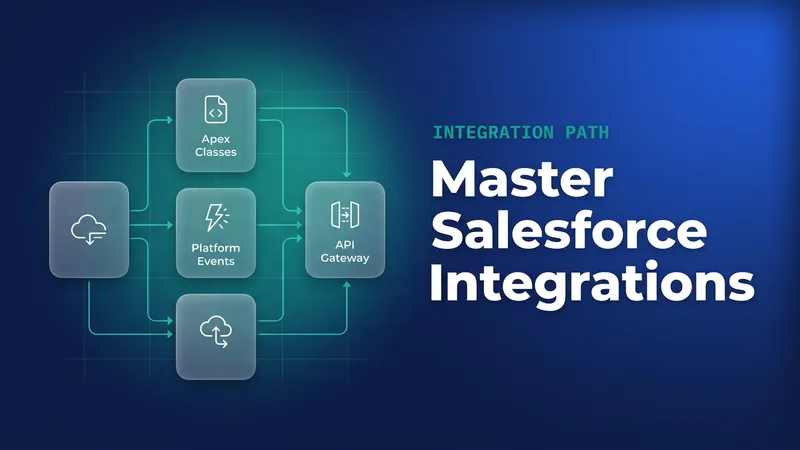
- Real-time updates. Platform Events cover the cases where the document and Salesforce have to reflect each other immediately, and they take the place of polling.
Potential use cases and technical considerations
1. Data query and manipulation (Excel focus)
The use case is a dynamic query interface inside Excel that talks to Salesforce, modifies records, and pushes the changes back.
For the implementation, build a task pane add-in in JavaScript or TypeScript that communicates with the Salesforce REST or SOAP API. Handle OAuth flows or session management inside the add-in context. Then write the Apex classes or @AuraEnabled methods the add-in calls to run SOQL queries and DML.
// Example Apex endpoint callable from the Office Add-in
public class DocumentSyncController {
    @AuraEnabled
    public static List<Account> executeQuery(String soqlString) {
        // Security check: Validate query complexity/scope if necessary
        return Database.query(soqlString);
    }

    @AuraEnabled
    public static String updateRecords(String jsonRecords) {
        // Deserialize JSON and perform secure DML
        List<Account> recordsToUpdate = (List<Account>)JSON.deserialize(jsonRecords, List<Account>.class);
        Database.update(recordsToUpdate, false);
        return 'Success';
    }
}
2. Document generation/templating (Conga replacement)
The use case is replacing a heavy, proprietary document generation tool by pulling Salesforce data into ordinary Office templates, DOCX and XLSX.
The add-in parses the merge fields defined in the template and calls Apex controllers to retrieve the related record data. Then it has to handle the complex object graphs Apex returns and map them onto the document structure correctly.
3. Contextual agent assistance (Outlook integration)
The use case is surfacing sales context, or triggering an action, off an email thread the user is reading in Outlook.
Read the sender, subject and body through Outlook's add-in APIs. Pass that context to an AgentForce component, likely a small LWC or an external service reached by Apex callout, and query Salesforce for the related opportunities or cases. Anything actionable that comes out of the Outlook context, a follow-up task for instance, goes back into the Salesforce event stream as a published Platform Event.
4. GenAI document augmentation (PowerPoint Genie)
The use case is drafting presentation slides with generative AI, through External Services or Apex calls to LLM providers, informed by Salesforce data.
Aggregate the Salesforce data points the prompt needs in Apex, where you can keep the security model intact. Design structured prompts that reference that aggregated data. The add-in receives the AI output, text or structure, and populates the PowerPoint document with it.
Platform events for real-time synchronization
Whenever the Office document has to show a change that happened elsewhere in Salesforce, or the other way round, Platform Events are the recommended mechanism.
When an Apex transaction modifies data inside Salesforce, publish a custom Platform Event carrying the record ID and the change type. On the Office side, the add-in runs client side JavaScript and has to hold a persistent CometD connection, or a supported wrapper library if one works inside the Office Add-in sandbox, to subscribe to the relevant channel (/event/Your_Custom_Event__e).
With that listener in place the document interface can refresh or highlight updated records on its own, without waiting for a user to click something or for a scheduled poll to come round.


Leave a Comment