
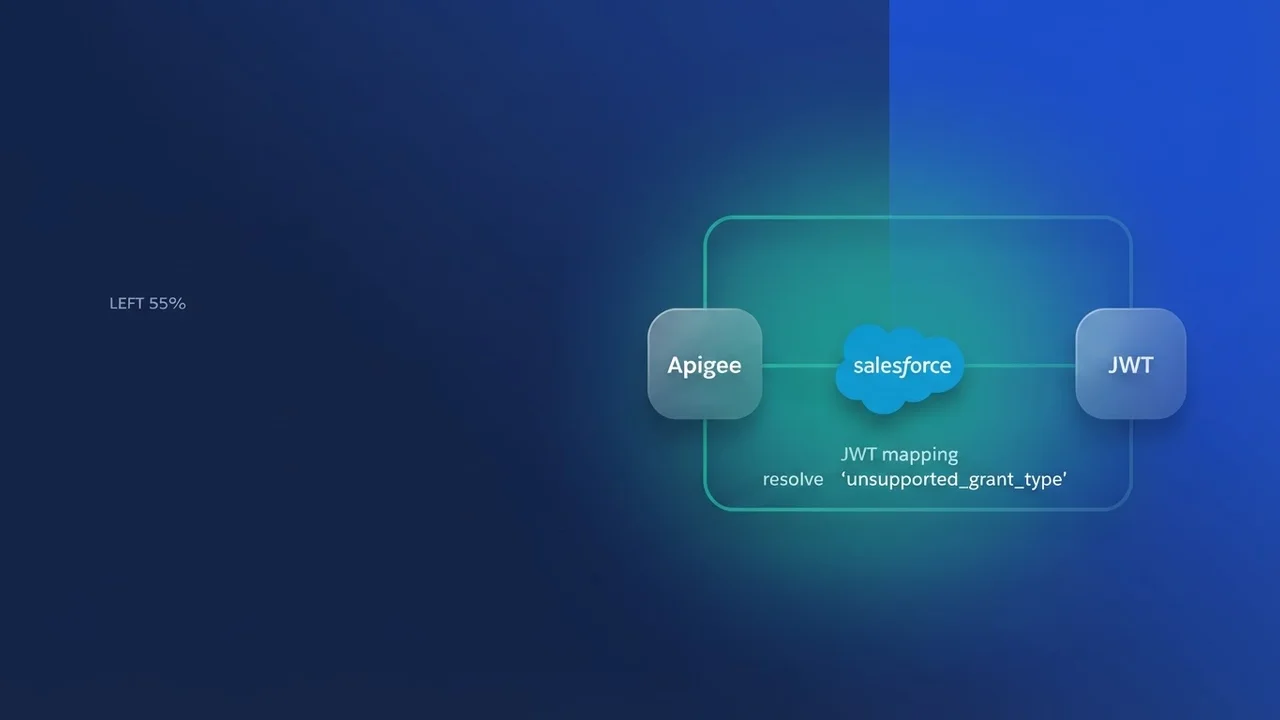

Understanding the conflict
Integrate Salesforce with Apigee over the OAuth 2.0 JWT Bearer flow and sooner or later you meet the unsupported_grant_type error. On the Salesforce side we are used to sending the grant_type=urn:ietf:params:oauth:grant-type:jwt-bearer payload in a standard form-encoded body. When an architectural requirement forces a custom x-access-token header instead, or the gateway is configured a particular way, Apigee's standard OAuthV2 policy fails to parse the incoming request.
The error fires because the OAuthV2 policy looks for the grant_type parameter inside the body of the POST request and nowhere else. If your client sends that data in a header, or the Apigee proxy strips form-encoded parameters in favor of header-based auth, the policy has no way to work out how to handle the token exchange, and it defaults to an unsupported state.
Anatomy of the JWT request failure
In a standard Salesforce-to-Apigee flow, the request usually looks like this:
POST /oauth/token HTTP/1.1
Host: your-org.apigee.net
Content-Type: application/x-www-form-urlencoded

grant_type=urn:ietf:params:oauth:grant-type:jwt-bearer&assertion=eyJhbGci...[JWT_TOKEN]
Once the x-access-token header is in play, developers tend to pass the assertion there instead of in the body. The Apigee policy, specifically the OAuthV2 operation GenerateAccessToken or ValidateAccessToken, is hard-wired to look for specific query parameters or form fields. When grant_type is missing from the location it expects, the policy marks the grant type itself as unsupported.
Correcting the policy flow
The fix is to intercept the request before it hits the OAuthV2 policy. We use an AssignMessage policy to transform the incoming headers into the form parameters the policy expects.
Step 1: Create an AssignMessage policy
This policy pulls the token out of your x-access-token header and maps it to the assertion parameter that Apigee's underlying flow expects.
<AssignMessage name="AM-MapHeaderToForm">
    <AssignTo createNew="false" transport="http" type="request"/>
    <Set>
        <FormParams>
            <FormParam name="grant_type">urn:ietf:params:oauth:grant-type:jwt-bearer</FormParam>
            <FormParam name="assertion">{request.header.x-access-token}</FormParam>
        </FormParams>
    </Set>
    <IgnoreUnresolvedVariables>false</IgnoreUnresolvedVariables>
</AssignMessage>
Step 2: Update the Proxy Endpoint
In your Proxy Endpoint, run this policy before the OAuthV2 policy. By the time the OAuth policy executes, the grant_type is physically present in the request body, whatever the client actually sent.
<PreFlow name="PreFlow">
    <Request>
        <Step>
            <Name>AM-MapHeaderToForm</Name>
        </Step>
        <Step>
            <Name>OAuthV2-GenerateToken</Name>
        </Step>
    </Request>
</PreFlow>
Troubleshooting the OAuthV2 policy configuration
If the error survives the form-parameter mapping, look at the OAuthV2 policy configuration itself. The usual culprit is the SupportedGrantTypes element.
Your policy has to allow the JWT bearer grant type explicitly. Leave that element out or misconfigure it, and Apigee rejects the request by default.
<OAuthV2 name="OAuthV2-GenerateToken">
    <Operation>GenerateAccessToken</Operation>
    <SupportedGrantTypes>
        <GrantType>urn:ietf:params:oauth:grant-type:jwt-bearer</GrantType>
    </SupportedGrantTypes>
    <GenerateResponse enabled="true"/>
</OAuthV2>
Check too that the grant_type you send matches the string defined in your SupportedGrantTypes exactly. Any variation in character case or whitespace will trigger the unsupported_grant_type error.
Best practices for secure JWT handling
When working with JWTs in Apigee and Salesforce, avoid logging the full token in your Apigee Trace tool or system logs.
- Store sensitive secrets in a
KeyValueMap, or set them with anAssignMessagepolicy, rather than hardcoding them in policies. - Always include a
VerifyJWTpolicy before theOAuthV2policy, so you know the token has not been tampered with and theiss(issuer) matches your Salesforce Connected App consumer key. - Cache the validated tokens with Apigee's internal caching, so you are not revalidating against the identity provider on every call.

Leave a Comment