


Your org almost certainly has more connected apps than anyone on the team can list from memory, and from Summer '27 Salesforce stops supporting all of them. The device flow cutoff on 30 November hits a handful of CLI and kiosk integrations; this change hits everything in App Manager. You need to decide which apps move to External Client Apps (ECAs) first, who runs each migration, and which ones you can't move without a vendor.
What connected apps end of support changes, and what it leaves alone
Winter '27 includes a release update called "Migrate All Connected Apps to External Client Apps". The Salesforce Admins blog spells out what follows: support for connected apps ends in Summer '27. After that there are no bug fixes, no new integrations and no auth flow updates. Your existing apps keep issuing tokens for a while, but if a platform change breaks one after that point, Salesforce is under no obligation to fix it.
A well-ranked third-party guide from July 2026 says connected apps are not deprecated. Read literally, that is still true, because they authenticate today. It is a poor basis for a plan, though. An integration running on unmaintained infrastructure is a 2am incident with no support path.
Summer '27 is the last step in a run of restrictions:
| Release | What changed for connected apps |
|---|---|
| Spring '26 | Creation restricted by default in the UI and Metadata API, except through package installation. Re-enabling requires a Support case. |
| Winter '27 | Release update "Migrate All Connected Apps to External Client Apps" available, with migration built into App Manager. |
| Summer '27 | Support ends: no bug fixes, no new integrations, no auth flow updates. |
I have not been able to confirm the official release update wording or an enforcement date more precise than Summer '27. Read the entry under Setup > Release Updates in your own org before you put a date in a project plan.
Build the inventory from usage data
Setup > Connected Apps OAuth Usage shows apps with OAuth connections. App Manager and Manage Connected Apps list every app defined or installed, including ones nobody uses. For each app you also need to know who uses it and when it last ran, and that comes from the data.
For apps that hold refresh tokens, OauthToken gives you the last use per app and user:
SELECT AppName, UserId, LastUsedDate, UseCount, CreatedDate
FROM OauthToken
ORDER BY LastUsedDate DESC
OauthToken only records apps that hold a refresh token. Username-password, JWT bearer and client credentials integrations usually never appear in it, so LoginHistory is the usage record for server-to-server apps. It also captures failed attempts, which OauthToken never records. You can group by Application but you can't filter on it in the WHERE clause, so group the results and read through them:
SELECT Application, Status, COUNT(Id) attempts
FROM LoginHistory
WHERE LoginTime = LAST_N_DAYS:90
GROUP BY Application, Status
Keep the window at 90 days. Reconciliation and finance close jobs run once a quarter, so a 30-day window labels them dead a few weeks before they would have failed.
Then retrieve the definitions so the current configuration is on record before anything changes:
sf project retrieve start --metadata ConnectedApp --target-org prod-audit
Commit those files to source control. After migration they are your only baseline for comparing scopes, callback URLs and policies.
Combine the three sources into a tracker with one row per app. The owner and deadline fields matter most:
{
  "appName": "Warehouse Stock Sync",
  "bucket": "org-owned",
  "owner": "[email protected]",
  "oauthFlows": ["username-password"],
  "lastLoginHistorySuccess": "2026-10-11",
  "loginAttempts90d": 2712,
  "overlappingDeadlines": ["username-password flow 2027-02-20"],
  "targetFlow": "jwt-bearer",
  "status": "sandbox-migrated"
}
I have seen an ownerless row like this turn into an outage. A contractor had built a connected app for a nightly stock sync, nobody on the current team knew it existed, and when the integration user's password policy changed the sync stopped. Working out which external system was calling and who held the secret took most of a day. Treat any row without a named owner as high risk until someone claims it.
Sort each app by who can press the button
The four buckets differ mainly in who can run the migration, and that decides your timeline.
| Bucket | Who migrates | What you do | Risk |
|---|---|---|---|
| Org-owned | You | Migrate in sandbox, test, migrate in production | Low: fully in your control |
| Distributed unpackaged (built in a hub org, used by many orgs or clients) | The owning org | Migrate once, then test every consuming client | Medium: one change hits many callers |
| 1GP/2GP packaged | ISV or package owner | Wait for a package version and confirm the upgrade path | Medium: publisher sets the date |
| Third-party vendor (package or OAuth consent) | Vendor | Request the ECA date in writing | High: you control neither date nor fix |
Org-owned apps usually make up the bulk of an inventory and are the easiest to schedule. Distributed unpackaged apps are the ones that catch teams out. One hub org owns the definition while a dozen sandboxes, partner orgs or desktop tools authenticate through it, so the migration is one click followed by a long list of clients to test.
In ECA terms, "local" means created and owned in your org and "packaged" means installed from a package. The migration tool converts a packaged connected app into a packaged ECA, and on a packaged app only the package owner can run it. The device flow post reports that for packaged apps, tokens and sessions stay valid through the package upgrade. Confirm that with your vendor. If your team publishes the package, the work belongs on your roadmap. If you are a subscriber, it sits on someone else's.
For vendor apps, email the account team on day one and ask for the ECA release date. If the vendor uses unpackaged OAuth consent, also ask whether users will have to authorize again. Get the answers in writing, since the vendor's timeline is the one part of this project you can't move.
Run the migration in a sandbox and prove what changed
The migration lives in App Manager: open the connected app and click "Migrate to External Client App". Salesforce presents the release update as a way to move at your own pace and suggests starting with the apps behind your most critical integrations. I would add a step before that and migrate a low-stakes org-owned app in a full sandbox, just to see how the tool behaves in your org.
Two things are still unconfirmed: whether the migrated app keeps the same consumer key and secret, and exactly which policy settings carry over. Test both before you rely on them. After migrating in the sandbox, request a token using each client's own flow. For a client already on client credentials, the request looks like this:
curl -s -X POST "https://acme--uat.sandbox.my.salesforce.com/services/oauth2/token" \
  -d "grant_type=client_credentials" \
  -d "client_id=$STOCK_SYNC_CLIENT_ID" \
  -d "client_secret=$STOCK_SYNC_CLIENT_SECRET"
If the request fails with invalid_client, the key or secret did not carry over, and every consumer needs a credential rotation. The production plan then becomes a coordinated cutover instead of a single click.
Then compare the migrated app against the metadata you retrieved earlier:
- Permitted users: is the app still admin-approved or open to self-authorization, with the same profiles and permission sets assigned?
- IP relaxation. A mismatch makes authentication fail only from certain networks, which is the hardest failure to diagnose.
- The refresh token policy, so a long-running client doesn't lose its session a week after go-live with nobody noticing.
- OAuth scopes, which should match what each client requests.
Sequence the work against the other auth deadlines
Connected app end of support is the broadest deadline. Two narrower deadlines come first, one requirement is already live, and the SOAP login() retirement lands in the same release. Some apps fall under more than one. This is the order I would work in:
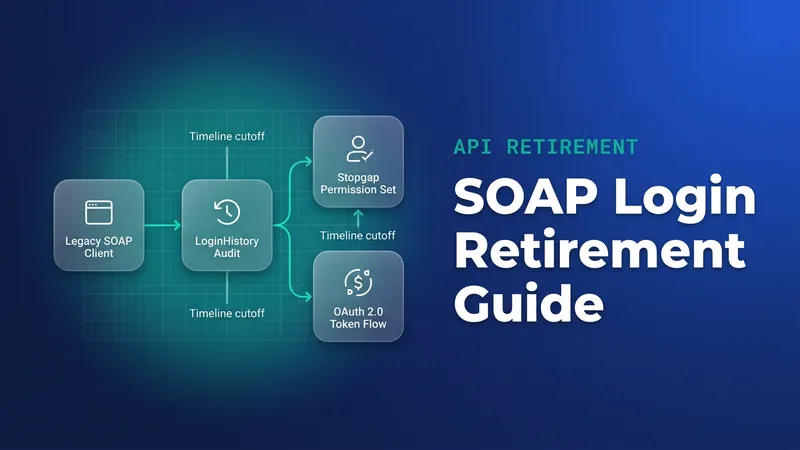
- Now: Winter '27 has already reached production instances, so any SOAP login() caller whose user lacks Use Any API Auth is already failing. Check LoginHistory Status for those users and apply the permission-set stopgap from the SOAP login() post.
- Delete dead apps: anything with no OauthToken use and no LoginHistory entries in 90 days, once an owner confirms. Each deletion removes a migration and a test cycle.
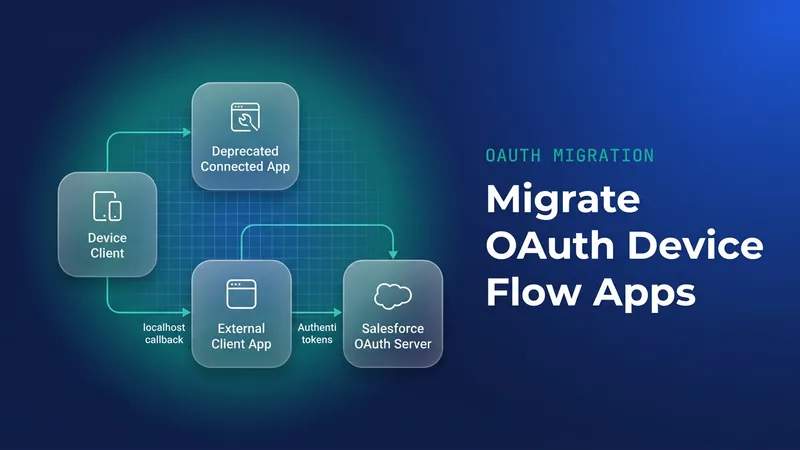
- Move device flow apps by 30 November 2026. From that date the device flow works only with local ECAs that use a localhost callback, and connected apps lose it. The details are in the device flow post.
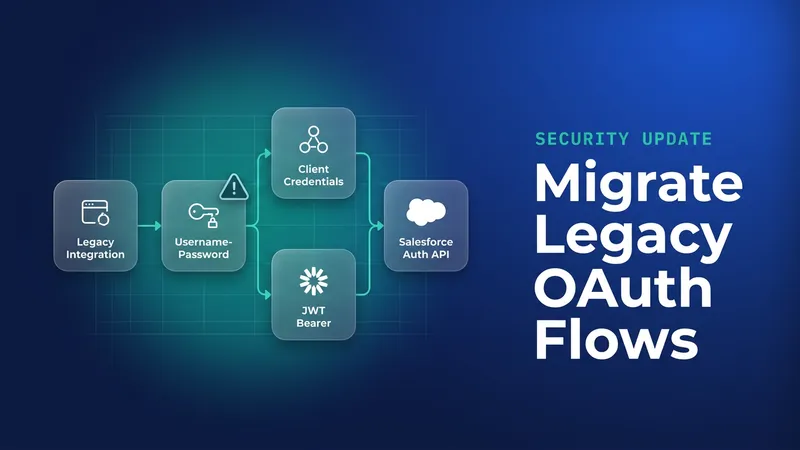
- Move username-password flow integrations before 20 February 2027, when that flow retires for connected apps.
- Move SOAP login() callers to OAuth before Summer '27, when login() retires in API versions 31.0 through 64.0. The audit and migration steps are in the same SOAP login() post.
- Migrate the remaining org-owned and distributed apps, most critical integration first.
Run the vendor conversations alongside every step, starting on day one.
For steps 4 and 5, I would move each integration to client credentials or JWT bearer on an ECA in a single change. ECAs support only modern OAuth flows and drop username/password, so migrating the app while keeping the old flow is off the table anyway, and landing on another retiring flow means doing the work twice. The trade-off is a bigger change per integration: new auth code, a certificate or integration user to set up, and the app migration itself. In return you run one regression cycle instead of two and don't reopen the same integration six months later.
What to watch for
- Since Spring '26, any pipeline that creates connected apps through the API fails. Asking Support to re-enable creation only buys time, so rewrite those pipelines to provision ECAs.
- Require ECAs for every new project now, so the inventory stops growing while you work through it.
- ECAs are local and secure by default and don't exist in a target org until you install them, whereas connected apps were defined globally. Any process that assumed the app was visible everywhere needs an explicit deployment step.
- Consumer key continuity and policy carry-over are unconfirmed. Test every client in a sandbox before you migrate in production.
- Server-to-server apps rarely have OauthToken rows. An app isn't proven dead until LoginHistory shows nothing in 90 days and an owner signs off.
- The exact enforcement wording and date were not in anything I could verify. Recheck Setup > Release Updates at the start of each release cycle.
Leave a Comment