
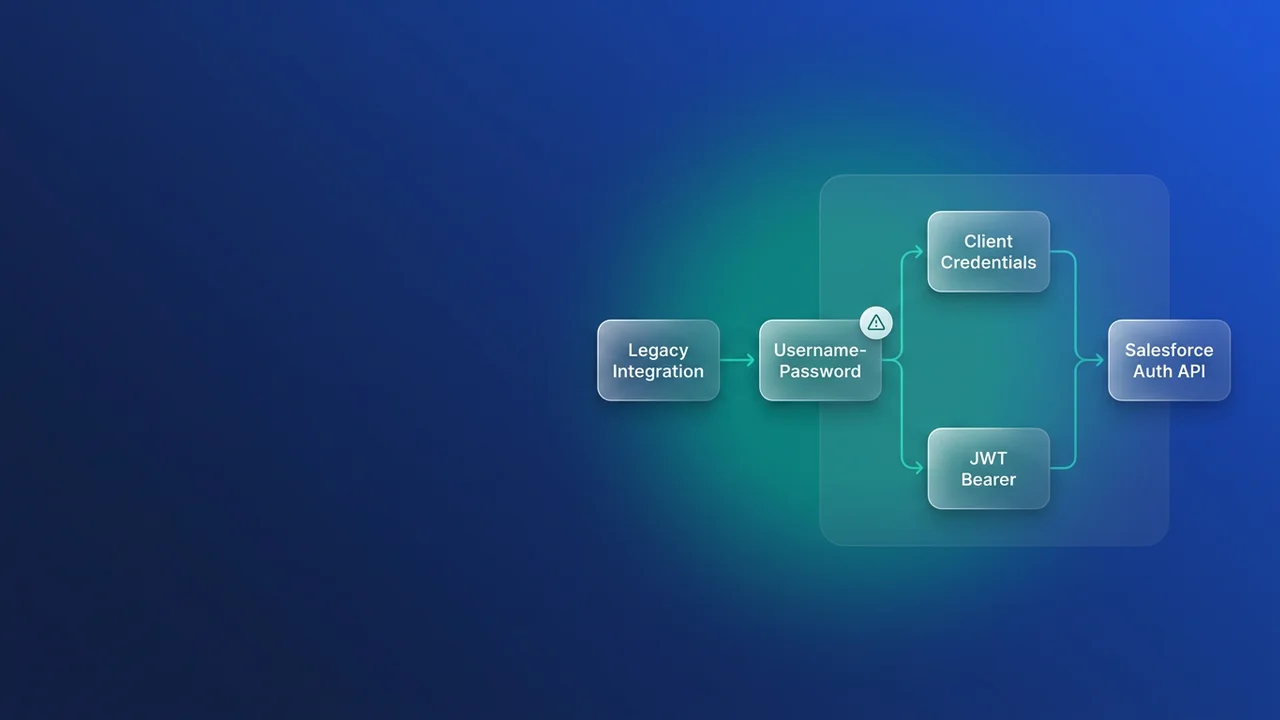

A nightly sync finishes green, processes zero records, and nobody notices until a pipeline report comes up short two days later. That is how the OAuth username-password flow retirement will show up in most orgs. Middleware that posts a username, password and security token with grant_type=password starts getting invalid_grant back, and Salesforce shows no banner anywhere. Enforcement lands on February 20, 2027, and this guide covers finding each affected integration, picking its replacement, and cutting over with weeks to spare.
Why a fixed date is harder to plan around
Most enforcements arrive with a major release, so teams plan against their instance's upgrade weekend and use the sandbox preview as an early warning. This one was first scheduled for Winter '27 and then moved to a calendar date: February 20, 2027, a Saturday, which Genesys notes lines up with the Spring '27 release date. Every org hits it on the same day whenever its instance upgrades, so no sandbox breaks a few weeks early to warn you.
The failure is also delayed. Existing sessions keep working, and an integration breaks the next time it asks for a new access token. A job holding a cached session can look healthy for hours after enforcement and then fail on its next refresh. You will see invalid_grant or authentication failure in the middleware log, and Login History may record a status such as "OAuth Username-Password Flow Disabled". If the job swallows auth errors, all you see is records that stopped changing.
The same enforcement shuffle moved several other dates. Put them on one calendar, because the same people will be touching the same apps:
| Date | Change | What to do |
|---|---|---|
| December 1, 2026 | Maintain Your Email Verification Exception (replaces the cancelled "Adopt Authorized Email Domains") | Support can no longer switch off Email Change Verification. Set up DKIM signing or an authorized email domain before your next bulk user email update. |
| Winter '27 | Assign Use Any API Auth Permission for SOAP login() | PermissionsUseAnyApiAuth becomes mandatory for SOAP login() callers. |
| February 20, 2027 | Retirement of OAuth 2.0 Username-Password Flow for Connected Apps | New grant_type=password token requests fail. |
| Spring '27 | Update Instanced URLs in API Traffic | Calls to hostnames like na139.salesforce.com stop working. Use My Domain. This is its third scheduled window. |
| June 1, 2027 | SOAP API login() retires |
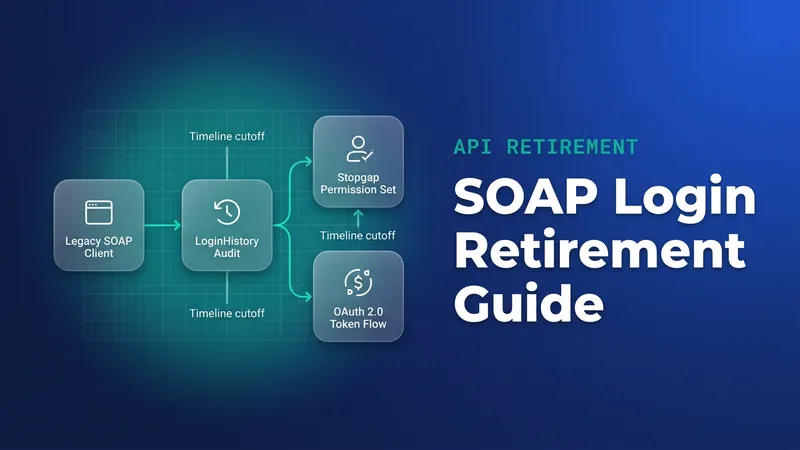
See the SOAP login audit. |
| Summer '27 | Legacy connected apps lose full support | See connected apps end of support. |
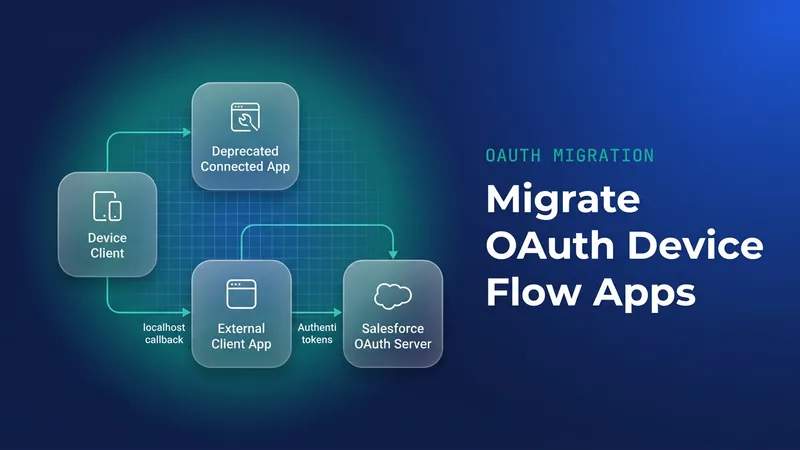
The device flow has its own end date, covered in the device flow post.
Find every integration still using the password grant
Start in Setup > Release Updates and look for "Retirement of OAuth 2.0 Username-Password Flow for Connected Apps". If the entry is missing, your org already blocks the flow. Orgs created in Summer '26 or later block it by default, so a working integration in a newer org is already on another grant. Older orgs need an inventory.
In Setup > Login History, create a list view filtered on Login Subtype equals "OAuth Username-Password" and add Login Subtype as a column. Two limits apply: history goes back about six months, and a list view caps at 20,000 records. A quarterly job, or one that held a session for months, can be missing from the results. I have seen a year-end reconciliation job escape an audit exactly this way and fail on the one night it mattered.
For a repeatable inventory, pull the raw rows and group them in the export:
SELECT Application, UserId, LoginTime, LoginSubType, SourceIp, Status
FROM LoginHistory
WHERE LoginTime = LAST_N_DAYS:90
  AND LoginType = 'Remote Access 2.0'
ORDER BY Application, LoginTime DESC
Filter the export on the LoginSubType column and pivot by Application and UserId to get one row per integration. Check the subtype value against one known row first, because the stored value can differ from the UI label. If your API version rejects LoginSubType, drop it from the query and rely on the list view for that column. Run this monthly and keep the exports, so the six-month window never erases an integration you saw once.
Then widen the search:
- In Setup > App Manager, record the purpose, owner and authentication method of each connected app. Skip the Connected Apps OAuth Usage page for this job, because it does not list username-password integrations even when they are active.
- Search repositories, middleware configs and secrets stores for
grant_type=passwordand "ROPC". Hits on/services/oauth2/tokenare leads only, since every OAuth flow shares that endpoint. - Ask every vendor whose package authenticates into your org which grant it uses.
Confirm the list in a sandbox. In OAuth and OpenID Connect Settings, turn off "Allow OAuth Username-Password Flows", then run each integration. Clear cached tokens or restart the connector first so it requests a fresh token. Anything that fails belongs on your list.
Choose Client Credentials or JWT Bearer per integration
| Client Credentials | JWT Bearer | Web Server + PKCE | |
|---|---|---|---|
| Runs as | The Run As user configured on the app | The pre-authorized user named in the token's subject | The person who signs in |
| Held by the caller | Client ID and secret | Private key (certificate uploaded to the app) | Client ID; the user signs in |
| Interactive | No | No | Yes |
| Renewal | Request a new access token; no refresh token | Sign a new assertion | Refresh token |
| Best for | Middleware, ETL, scheduled jobs, data sync | Certificate-based server auth, or acting as specific users | Apps where individual users sign in |
My default for middleware and ETL is Client Credentials, provided a single integration user is acceptable. It is the smallest change from the password grant: one secret, one request, no key handling. The cost is secret sprawl. Every middleware instance holds a client secret, and rotating it means touching each one.
I pick JWT Bearer when the security team does not want a shared secret stored in middleware, or when the integration has to act as particular pre-authorized users so that record ownership and audit trails stay accurate. The cost is certificate management. Certificates expire, and an expired one takes the integration down as completely as the retirement would. Put the expiry date in the same tracker as the integration owner. The JWT bearer webhook walkthrough covers building the assertion. Anything with a human signing in belongs on Web Server flow with PKCE.
Cut over: app, run-as user, token request, test
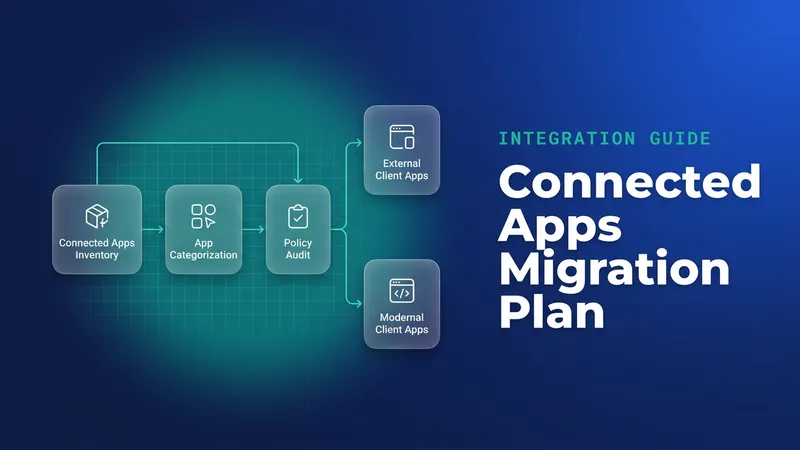
Build the new app as an External Client App so you are not migrating it again before Summer '27. Moving an existing connected app across leaves its password-grant callers exactly where they were, so the token request has to change too. Enable the Client Credentials flow and set a Run As user.
For that user, start with the account the integration logs in as today. Permissions, sharing and field access then stay identical, and the cutover tests the auth change on its own. Move to a dedicated, least-privilege integration user as a separate change later.
The token request change looks like this:
# Before: password grant, fails after February 20, 2027
curl -s https://login.salesforce.com/services/oauth2/token \
  -d grant_type=password \
  -d client_id="$ORDERSYNC_CLIENT_ID" \
  -d client_secret="$ORDERSYNC_CLIENT_SECRET" \
  -d username="[email protected]" \
  --data-urlencode password="${ORDERSYNC_PASSWORD}${ORDERSYNC_SECURITY_TOKEN}"

# After: client credentials against the My Domain token endpoint
curl -s https://northwind.my.salesforce.com/services/oauth2/token \
  -d grant_type=client_credentials \
  -d client_id="$ORDERSYNC_CLIENT_ID" \
  -d client_secret="$ORDERSYNC_CLIENT_SECRET"
Client Credentials needs the My Domain host. A request to login.salesforce.com with that grant will fail. In a sandbox the host looks like northwind--uat.sandbox.my.salesforce.com. The response carries no refresh token, so middleware that stored one and called the refresh grant needs a small change: on a 401, request a new access token with the same call.
For JWT Bearer, the middleware signs an assertion with its private key and exchanges it:
curl -s https://northwind.my.salesforce.com/services/oauth2/token \
  -d grant_type=urn:ietf:params:oauth:grant-type:jwt-bearer \
  -d assertion="$ORDERSYNC_SIGNED_JWT"
Test each integration in the sandbox with the password flow switched off, so a fallback to old credentials fails loudly. Here is the plan I would run. Between now and November, export the inventory monthly and build the new apps. In December, finish the sandbox tests. In January, cut over production and watch Login History for remaining password-flow logins. Once it has shown nothing for a few weeks, I would turn off "Allow OAuth Username-Password Flows" in production in early February. A straggler then fails on a weekday with the team watching, and nothing changes during the week of February 20.
Third-party connectors with their own notices
Oracle Integration: Salesforce Adapter connections using the ROPC security policy work until the February 20, 2027 release. Oracle's migration target is its "Authorization Code Credentials" security policy, so the Client Credentials steps above do not apply to this adapter. Migrate the connected app to an External Client App if it qualifies, create or update the connection with the new policy, then replace the connection in each integration, refresh endpoints and reactivate. The Salesforce REST Adapter is unaffected because it never supported ROPC. Oracle also recommends My Domain over instance URLs, which covers the Spring '27 change too.
Genesys: Salesforce Data Actions using username-password must move to Client Credentials before the date. Genesys advises building and validating the new integration first, with the External Client App running as the same Salesforce user as the existing one. Credentials on existing integrations can then be updated in place without downtime or republishing. External Contact Sync is handled by a different Genesys team, so open a ticket for it.
Medallia for Salesforce: Invitation sync, Response sync and customer-specific Omni Exporters that authenticate directly with Salesforce are affected. You create a customer-owned External Client App with Client Credentials and a dedicated Run As user with API, object, field and record access, then share the client ID and secret through an approved channel. Each Omni Exporter's login configuration then changes to grant_type client_credentials with the client ID and secret. Validate the token and run an end-to-end test before enforcement.
UiPath: I have found no confirmed vendor guidance yet, only community forum threads. Ask UiPath directly and check the authentication settings on your Salesforce activities.
What to watch for
- Cached sessions hide the break. Force fresh tokens in every test.
- An empty Login History view proves nothing, given the six-month window and the 20,000-record cap.
- The Connected Apps OAuth Usage page leaves username-password integrations off its list.
- Changing the grant to Client Credentials without moving to the My Domain token endpoint fails immediately.
- Middleware still holding instance hostnames will break again in Spring '27. Replace them with My Domain while you are editing the config.
- The worst failures are jobs that report success on zero records. Add an alert on empty runs before you start cutting over, so you can trust the result afterwards.
Leave a Comment