
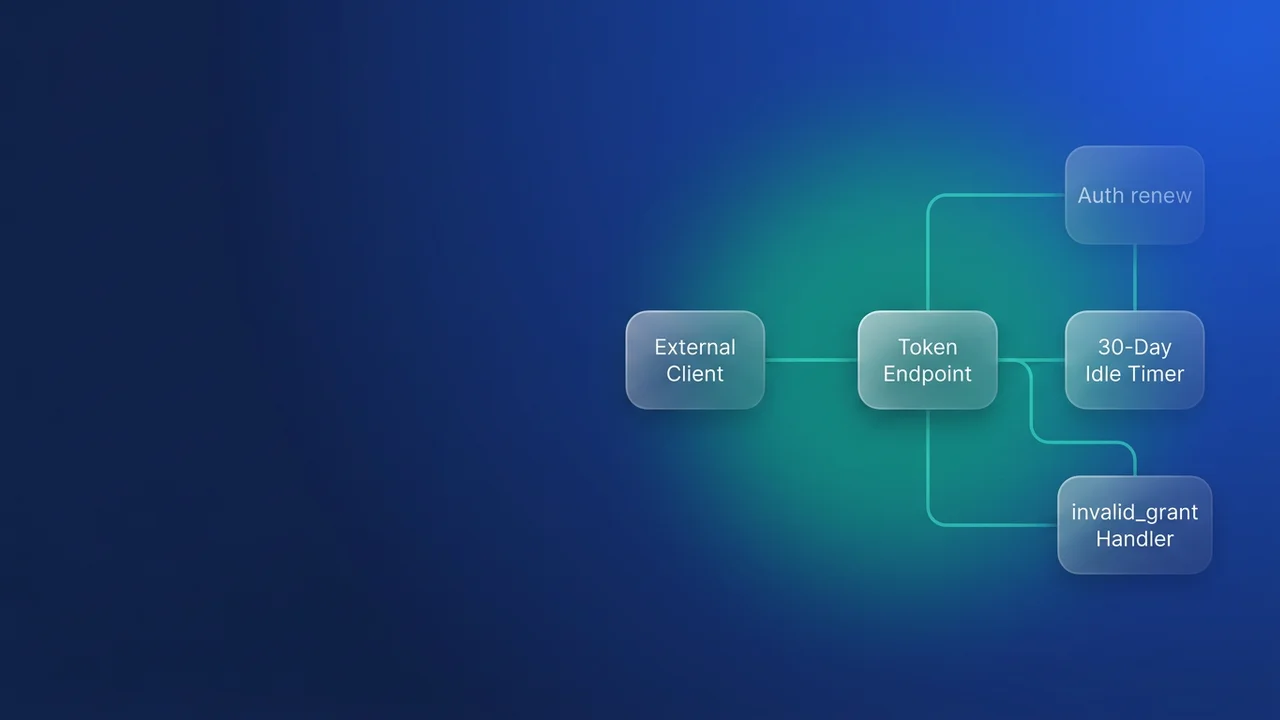

Salesforce refresh token expiration now has a hard ceiling: any refresh token that sits unused for 30 days is dead, for every connected app and external client app in your org. Enforcement in production orgs started rolling out on November 4, 2026. The integrations that break are the quiet ones, like a quarterly ledger export, a year-end data load, or a vendor connector someone triggers twice a year. Their first run after a quiet month gets invalid_grant, and nobody is around to click Allow.
What changed, and which orgs have it
Salesforce is switching on the OAuth setting "Limit Idle Refresh Token Time-to-Live (TTL) to 30 Days" for all apps, including connected apps and external client apps installed in subscriber orgs. The window slides. Each use of a refresh token inside 30 days restarts the clock, so a job that runs weekly never notices. When a token does pass 30 idle days, Salesforce expires it and revokes the access token that came with it.
The rollout dates:
- Sandboxes: rolling from October 21, 2026
- Production, scratch and Developer Edition orgs: rolling from November 4, 2026
It goes org by org with no published date per org, so plan as if yours is already enforced. Partner Apps and any app created in July 2026 or later already behaved this way before the general rollout.
Watch the word "monthly" in your runbooks. A job scheduled for the 1st of every month sits idle for 31 days between January 1 and February 1, which is past the limit. Anything on a calendar-month schedule belongs on the at-risk list.
Flows that never issue a refresh token (JWT bearer, client credentials) get a related cap: the access token lives at most 30 days from the last login date.
On the day enforcement reaches your org, refresh tokens already idle for 30 days or more expire immediately along with their access tokens, and no-refresh-token access tokens whose last login is more than 30 days old expire too. Salesforce updated Knowledge Article 005461275 on October 26, 2026 to say it does not expire all access tokens at enforcement, so disregard any write-up that predicts a blanket revocation. After enforcement the setting is locked. The help text under it still mentions contacting Customer Support to change it; that route is gone.
What each integration type sees
The failure looks different depending on how the integration authenticates, and so does the recovery.
| Integration type | Typical example | What it sees after 30 idle days | What it has to do |
|---|---|---|---|
| Background job holding a refresh token (web server flow, PKCE) | Quarterly LedgerExport pulling invoice data to the finance system | {"error":"invalid_grant","error_description":"expired access/refresh token"} from /services/oauth2/token |
Reauthorize to obtain a new access and refresh token. With a web server flow, that needs a person. |
| Interactive end-user app | A desktop tool the sales ops team opens at quarter end | Refresh and access tokens revoked, user logged out | User logs in again. The app should route them to login cleanly. |
| No refresh token (JWT bearer, client credentials) | Nightly sync running as an integration user | SOAP or REST: INVALID_SESSION_ID. services/oauth2/singleaccess: {"error":"invalid_token","error_description":"this token is invalid, unknown, or malformed"}. /services/oauth2/introspect: {"active": false} |
Nothing manual. Re-run the initial flow for a new access token. |
The first row is where the real exposure sits. The other two either have a human present or can heal themselves.
Finding the integrations at risk
Login History records refresh token usage, which tells you which apps actually depend on refresh tokens and when they last used one.
- In Setup, enter "Login History" in Quick Find.
- Click Create New View, or edit a view you already have.
- Filter on Login Subtype equals "OAuth Refresh Token" and "OAuth Refresh Token for Hybrid Apps".
- Show at least Login Subtype and Login Time.
- Save and review.
The view only shows activity that happened. An integration that last ran in August won't be on the screen, so the gaps are what you are looking for. Take your integration inventory and mark every job whose schedule is longer than 30 days, or that runs on demand with no guaranteed cadence. If one of those relies on a stored refresh token, it will fail on its next run. Daily and weekly jobs keep resetting the window and are safe.
Testing how your code handles a dead token
You can't make a refresh token go idle on demand. The nearest proxy is a manual revoke:
- Run your OAuth flow so the app holds a token.
- Go to Setup, Users, open the user associated with the app, find the OAuth Apps section, click Revoke and confirm.
- Run the integration and see whether it logs you out, alerts, or misbehaves.
Salesforce says plainly that this exercises access token revocation only and won't necessarily reproduce idle refresh token expiry. Run it anyway, because it shows what your error handling does when Salesforce says no. I have seen a sync client respond to a revoked token by retrying every minute over a weekend, which buried the one useful error under thousands of identical log lines while the export it was meant to produce never arrived.
Choosing the fix
Salesforce's guidance for background integrations is to handle invalid_grant by re-running the OAuth flow automatically. For a web server flow, re-running means a person consents again, so the automatic part is limited to detecting the failure, marking the connection and telling someone. Never loop on it: the same refresh token will return the same error forever.
// ledger-export/auth.js: refresh-token path (web server flow, stored token)
const TOKEN_URL = `${process.env.SF_LOGIN_URL}/services/oauth2/token`;

class NeedsReauthorization extends Error {}

async function refreshLedgerExportToken(connection) {
  const res = await fetch(TOKEN_URL, {
    method: 'POST',
    headers: { 'Content-Type': 'application/x-www-form-urlencoded' },
    body: new URLSearchParams({
      grant_type: 'refresh_token',
      client_id: process.env.SF_CLIENT_ID,
      client_secret: process.env.SF_CLIENT_SECRET,
      refresh_token: connection.refreshToken,
    }),
  });

  const payload = await res.json();
  if (res.ok) return payload.access_token;

  if (payload.error === 'invalid_grant') {
    // Idle TTL expiry or revocation. Retrying returns the same error.
    await connectionStore.markNeedsReauth(connection.id, payload.error_description);
    await alerts.page('LedgerExport', `Salesforce reauthorization required: ${payload.error_description}`);
    throw new NeedsReauthorization(payload.error_description);
  }

  throw new Error(`Token refresh failed (${res.status}): ${payload.error}`);
}
That handler is correct, and for a quarterly job it still leaves you with a human step on the worst possible day. My position: any unattended integration that can go more than 30 days between runs should stop holding a refresh token. Move it to JWT bearer, or to client credentials on an external client app. Keep the web server flow with a refresh token only where a specific person's identity and consent matter, such as interactive tools, and in those apps catch invalid_grant and send the user to log in again without a stack trace.
With JWT bearer, the 30-day cap from the last login still applies to access tokens, but recovery is just another token request. Retry once on INVALID_SESSION_ID, and stop there.
// ledger-export/auth.js: JWT bearer path (no stored refresh token)
const jwt = require('jsonwebtoken');

let cached = null; // { accessToken, instanceUrl }

async function loginWithJwt() {
  const assertion = jwt.sign(
    {
      iss: process.env.SF_CLIENT_ID,
      sub: process.env.SF_INTEGRATION_USERNAME,
      aud: process.env.SF_LOGIN_URL,
      exp: Math.floor(Date.now() / 1000) + 180,
    },
    process.env.SF_JWT_PRIVATE_KEY,
    { algorithm: 'RS256' }
  );

  const res = await fetch(TOKEN_URL, {
    method: 'POST',
    headers: { 'Content-Type': 'application/x-www-form-urlencoded' },
    body: new URLSearchParams({
      grant_type: 'urn:ietf:params:oauth:grant-type:jwt-bearer',
      assertion,
    }),
  });
  const payload = await res.json();
  if (!res.ok) throw new Error(`JWT login failed: ${payload.error} ${payload.error_description}`);
  cached = { accessToken: payload.access_token, instanceUrl: payload.instance_url };
  return cached;
}

async function sfRequest(path, init = {}, isRetry = false) {
  const session = cached ?? (await loginWithJwt());
  const res = await fetch(`${session.instanceUrl}${path}`, {
    ...init,
    headers: { ...init.headers, Authorization: `Bearer ${session.accessToken}` },
  });

  if (res.status === 401 && !isRetry) {
    const errors = await res.clone().json().catch(() => []);
    if (errors[0]?.errorCode === 'INVALID_SESSION_ID') {
      cached = null; // token hit the 30-day cap or was revoked: log in again
      return sfRequest(path, init, true);
    }
  }
  return res;
}
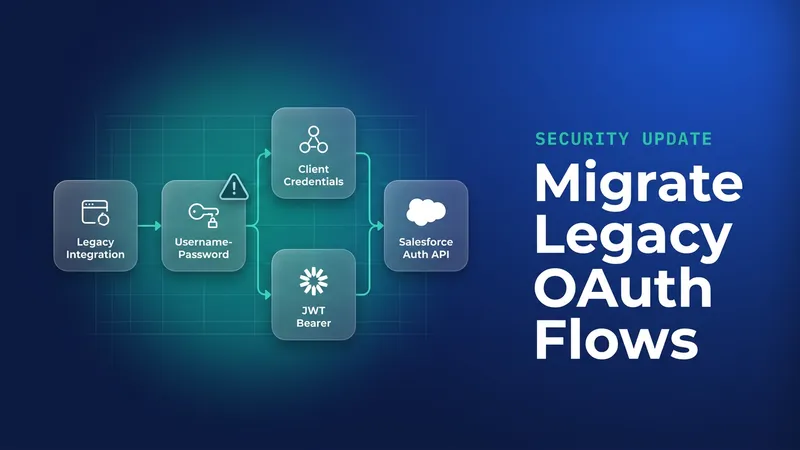
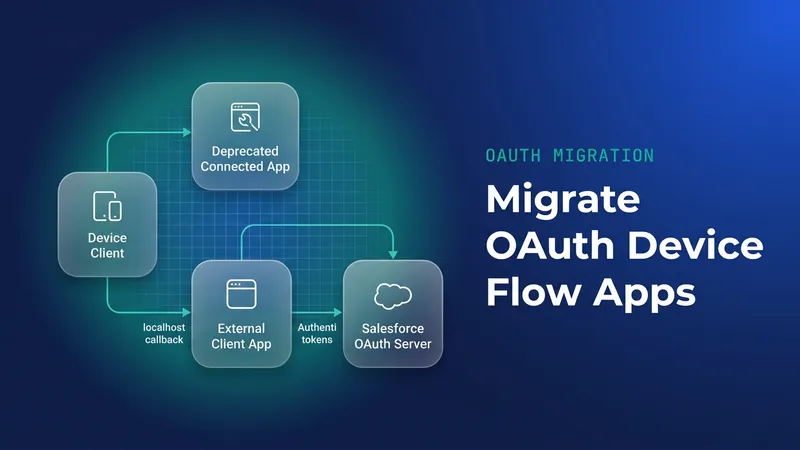
Both replacements have costs. JWT bearer means certificate management: you rotate the signing certificate before it expires, and you pre-authorize the integration user through an admin-approved profile or permission set. Client credentials runs every call as a single run-as user, so you lose per-user audit in the target org. For a finance export that is usually fine. For anything where "who changed this record" matters, it may not be. The JWT setup is covered in our webhook integration walkthrough with JWT bearer flow. If you are also clearing out older flows, the username-password flow retirement and the device flow ending for connected apps push you toward the same place.
If an integration has to stay on a refresh token and legitimately runs less than once every 30 days, design the reauthorization process on purpose: a named owner, an alert that reaches them, a documented reconnect step, and enough lead time to do it before the run that matters.
Why a heartbeat job is the wrong fix
A scheduled call that refreshes the token every three weeks will keep it alive. Salesforce's own guidance says not to create artificial refresh activity solely to prevent expiry, and I agree for practical reasons. A heartbeat keeps a long-lived credential warm, which is exactly the exposure the idle limit exists to close. It also adds a job nobody looks at until it stops. When someone decommissions the box it ran on, you find out at quarter end, or later: without alerting on the real job, stale data tends to surface weeks afterwards when a business user asks why the numbers stopped moving.
Reconcile refresh token policies after enforcement
Enforcement changes how some policies behave without updating your metadata, so source control can disagree with the org without anyone noticing.
| Policy before enforcement | Behaviour after enforcement | What to change |
|---|---|---|
| Refresh token is valid until revoked | No longer valid. The UI hides it and shows "Expire refresh token if not used for specific time" set to 30 days. Metadata still holds the old value. | Update metadata as shown below. |
| Immediately expire refresh token | Unchanged | Nothing |
| Expire refresh token after specific time | Your configured period still applies. If it exceeds 30 days, the idle limit also applies: on a 1-year policy, an idle token dies at 30 days while a continuously used one can last up to a year. | Nothing |
| Expire refresh token if not used for specific time | Capped at 30 days. UI and metadata not updated automatically. | Set 30 days in the UI and update metadata. |
For a connected app, the value lives on ConnectedAppOauthPolicy:
<!-- connectedApps/LedgerExport.connectedApp-meta.xml (excerpt) -->
<ConnectedApp xmlns="http://soap.sforce.com/2006/04/metadata">
    <oauthPolicy>
        <refreshTokenPolicy>specific_inactivity:30:DAYS</refreshTokenPolicy>
    </oauthPolicy>
</ConnectedApp>
For an external client app, set the fields on ExtlClntAppOauthConfigurablePolicies:
<!-- LedgerExport external client app OAuth policies (excerpt) -->
<ExtlClntAppOauthConfigurablePolicies xmlns="http://soap.sforce.com/2006/04/metadata">
    <refreshTokenPolicyType>SpecificInactivity</refreshTokenPolicyType>
    <refreshTokenValidityPeriod>30</refreshTokenValidityPeriod>
    <refreshTokenValidityUnit>Days</refreshTokenValidityUnit>
</ExtlClntAppOauthConfigurablePolicies>
I have seen a stale policy value in a repo lead a team to tell a client that tokens "never expire", weeks after the org had stopped honouring it. Fix the metadata in the same change that updates your integration code.
What to watch for
- Packaged apps in subscriber orgs are covered. Ask each vendor whose connector authenticates into your org how it handles
invalid_grant, especially anything you only use at year end. - There is no per-org enforcement date. Sandboxes started on October 21, so check them first, but don't assume production lags far behind.
- JWT bearer and client credentials access tokens still stop at 30 days from the last login. Long-running processes that cache a token need the retry-once path above.
invalid_granton a refresh request is terminal. Retrying it wastes calls and hides the alert you need.- The Revoke test proves your error handling, but it won't reproduce idle expiry exactly. Keep monitoring token acquisition in production.
- On-demand integrations are the easiest to miss in an inventory because they have no schedule. Ask the business owners which connectors they click once a quarter.
Leave a Comment