
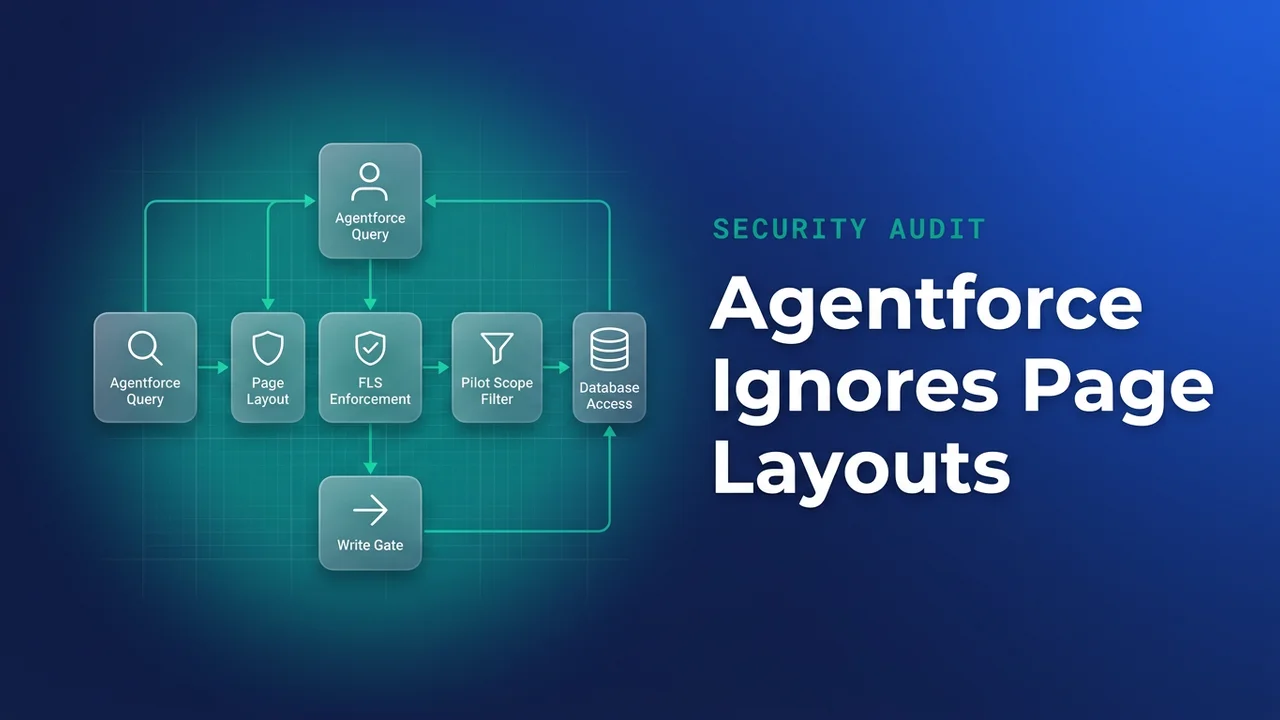

An Agentforce pilot lands on next quarter's plan and the security review opens with hallucination. The thing more likely to embarrass you first is narrower. A rep asks which of their accounts are at risk, and the agent answers with a number that rep has never seen on a record page. The page layout kept that field out of sight, and nothing underneath the layout kept it out of reach.
Everything below assumes an agent that queries org data on a user's behalf: Agentforce, or any assistant wired to the API with a running user and a set of permission sets.
Layout membership was never an access control
A page layout decides what the record page renders. Field-level security decides whether a field can be read at all, through any path: a report, the REST API, a Data Loader export, a list view filter. Those two controls sit close enough together in Setup that plenty of orgs ended up treating them as one control with two screens. That confusion turns up in most of the sharing model anti-patterns worth flagging in a design review.
The gap was always there for anyone who looked. Open the report builder on Opportunity, scroll the field list, and you will find fields no layout shows. What kept it quiet is that almost nobody builds a report on a field they have never heard of. An agent has no such habit. It reads the schema it has access to and answers from whatever the sharing model and FLS permit, which is the point the Ashapura Softech write-up makes about older orgs: the readable set is noticeably larger than the shown set.
The same kinds of field keep showing up:
- cost, margin and compensation fields parked on Opportunity or a custom object during a project that finished years ago, never laid out and never restricted
- free-text notes where people wrote what they would not put in a picklist, including customer health commentary and the occasional personal detail
- migration leftovers, kept because deleting a field feels riskier than carrying it
I have watched one of these go badly. A Cost_Basis__c field added during a quoting migration, absent from every Opportunity layout, readable by every sales profile. It surfaced when someone exported a report ahead of a QBR. Removing read access took three minutes of clicking and four days of untangling a nightly finance integration that had been leaning on the same profile.
Audit FLS and layouts in two halves
There is no packaged report for "fields missing from every layout". Layout membership is not exposed on FieldPermissions, so I build the list from two directions and diff them.
The FLS half, from SOQL
Start with who currently holds read on the object's fields:
SELECT Parent.Name, SobjectType, Field, PermissionsRead, PermissionsEdit
FROM FieldPermissions
WHERE SobjectType = 'Service_Agreement__c'
  AND PermissionsRead = true
ORDER BY Field, Parent.Name
To check one profile's effective grants, filter through the permission set that backs it:
SELECT Field, PermissionsRead, PermissionsEdit
FROM FieldPermissions
WHERE ParentId IN (
    SELECT Id FROM PermissionSet WHERE PermissionSet.Profile.Name = 'Enterprise Sales User'
)
AND SobjectType = 'Opportunity'
ORDER BY Field
Read that output carefully. A field with no row here has not been proven unreadable, so check the describe for anything missing from the result before you cross it off the list.
The layout half, from metadata
Retrieve the layouts and the Lightning pages, then compare their field references against the object describe:
sf project retrieve start -m Layout -m FlexiPage -o prod-audit

sf sobject describe -s Service_Agreement__c -o prod-audit --json \
  | jq -r '.result.fields[] | select(.custom == true) | .name' \
  | sort > /tmp/all-fields.txt

grep -ho '<field>[^<]*</field>' \
  force-app/main/default/layouts/Service_Agreement__c-*.layout-meta.xml \
  | sed 's/<[^>]*>//g' | sort -u > /tmp/on-layout.txt

comm -23 /tmp/all-fields.txt /tmp/on-layout.txt
Salesforce does not ship this. It is how I assemble the list, and it needs two adjustments in most orgs. Union every layout for the object before you diff, because a field hidden on the standard layout may sit on a record type layout nobody remembers. Include FlexiPage in the comparison as well, since Dynamic Forms puts fields on the Lightning record page without touching the layout, and skipping it produces a long list of false positives.
What comes out is a work queue. Some of those fields should lose read access. Others will stay readable with a written reason, because a report subscription or an integration depends on them and the pilot is a bad moment to find that out.
Let the audit choose the pilot object
Run the audit before you scope the pilot, because the findings change which object you want to start on. Teams usually want to start on Opportunity, since that is where the interesting questions live, and Opportunity is often the object carrying the worst of the legacy field debt.
Once you know that, keep the first pass deliberately small: read only, one object, one team. Grant it through a permission set created for the pilot cohort rather than by widening a profile. Deleting a permission set is a clean rollback you can perform during an incident. Reversing a profile edit six weeks later is guesswork about which of the changes were yours.
| Control | Hides the field on the record page | Applies when an agent queries | Cost to reverse |
|---|---|---|---|
| Page layout | Yes | No | Minutes |
| Field-level security | Yes | Yes | Days; dependents break |
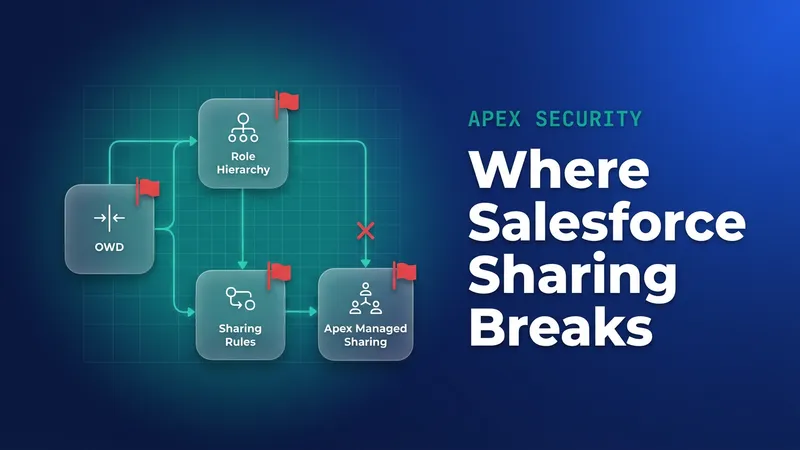
| Sharing rules and role hierarchy | Record level only | Yes, at full width | Weeks |
| Pilot-only permission set | Depends on grants | Yes | Delete it |
Least privilege is the easy part to agree to in a steering meeting. It only means something once you know what the minimum is for your data, which is the audit again.
Custom retrieval Apex defaults to system mode
If any part of the agent's retrieval path is Apex you wrote, an invocable action or a class a flow calls, the default is system mode: no FLS, no sharing. The agent then reads more than the user could, and it will be your code that did it.
public with sharing class AgreementRetrieval {
    @InvocableMethod(label='Get renewal exposure for account')
    public static List<List<Service_Agreement__c>> forAccount(List<Id> accountIds) {
        Map<Id, List<Service_Agreement__c>> byAccount = new Map<Id, List<Service_Agreement__c>>();
        for (Id accountId : accountIds) {
            byAccount.put(accountId, new List<Service_Agreement__c>());
        }

        for (Service_Agreement__c row : [
            SELECT Id, Name, Account__c, Renewal_Date__c, Floor_Price__c, Renewal_Notes__c
            FROM Service_Agreement__c
            WHERE Account__c IN :accountIds
            WITH USER_MODE
            ORDER BY Renewal_Date__c
            LIMIT 2000
        ]) {
            byAccount.get(row.Account__c).add(row);
        }

        List<List<Service_Agreement__c>> results = new List<List<Service_Agreement__c>>();
        for (Id accountId : accountIds) {
            results.add(byAccount.get(accountId));
        }
        return results;
    }
}
WITH USER_MODE is the security half of that class. The return shape is the half that fails in production. An @InvocableMethod is bulk-invoked, so the platform hands it every input collected in the transaction at once, and the outer list you hand back must have exactly one entry per input, in the same order, so results[i] belongs to accountIds[i]. Return one combined list of rows instead and the action fails with the error about the number of results not matching the number of flow interviews. That version passes every single-record test you run from an anonymous block, then falls over the first time a topic asks about a book of accounts, which is the case the method exists for. Querying once with IN :accountIds and bucketing into a map keeps the transaction to one SOQL call. Seeding the map with empty lists up front is what stops an account with no agreements from knocking the alignment out by one.
Dynamic queries take the same enforcement through the accessLevel parameter:
String soql = 'SELECT Id, Floor_Price__c FROM Service_Agreement__c '
    + 'WHERE Renewal_Date__c = NEXT_N_MONTHS:3';

List<Service_Agreement__c> rows = Database.query(soql, AccessLevel.USER_MODE);
WITH USER_MODE applies the running user's object permissions, field-level security and record sharing, and it reports every access error rather than stopping at the first. WITH SECURITY_ENFORCED is the older clause, covers SOQL only and leaves sharing unenforced, so new work should use the broader form. If you are retrofitting older classes, the mechanics of enforcing field and object security in Apex have not changed, only the clause you reach for. Test by running the query as an actual pilot user rather than your admin login, and confirm what comes back before you wire the action into an agent topic.
The volume question sits next to this one. Every record it reads is one the rep was already entitled to; what changed is how much arrives in a single turn. Criteria-based sharing rules were sized for a person working down a list view, not for a turn that walks a few thousand records in one go, and that is reason enough to keep a LIMIT on every custom retrieval action until you have watched the pilot for a month.
Retention and the write line, decided before launch
Prompts and responses land somewhere. Decide in writing how long that record is kept and who may read it, before the first user is invited in. Salesforce will tell you that a query ran, which API call carried it and which user was running, and that is useful during an incident. What it cannot tell you is why the data was read, because the question that triggered it was typed into a conversation in another system.
On writes, the line I draw is anything that changes an amount, a date on a contract, or a stage that fires downstream automation. Those sit behind an approval step with a human confirming the change. Task creation, follow-up records and notes can be agent-writable during a pilot, and the failure mode there is noise rather than a renegotiated contract. Stage is the part I am still unsure about: some orgs have stage changes that only move a report, and in those the approval step is friction for nothing. You will have to trace your own automation to know which case you are in. All of this costs less before launch than after, since the first answer that surfaces a field the asker was never meant to see turns a pilot review into an incident review.
What to watch for
- Removing FLS read on a legacy field can break an integration user, a report subscription or a flow that referenced it. Check every parent in
FieldPermissionsthat currently holds read before you take any of them away. - Dynamic Forms will make fields look absent from layouts when they are on the Lightning record page. Retrieve
FlexiPageor expect a long list of phantom gaps. - The agent user's permission sets are a separate audit from the running user's. Both decide what comes back.
- Metadata tells you nothing about what is inside a free-text field. If a notes field falls inside the retrieval scope, read a sample of live values yourself before the pilot opens.
WITH SECURITY_ENFORCEDdoes not work withTask.WhatId, which is one more reason to move retrieval code to user mode rather than patching the old clause in.- Treat the audit output as a queue with owners and dates. Fields that stay readable should stay readable for a reason someone wrote down.

Leave a Comment