

Design first: The foundation of Salesforce Flow best practices
Look, if you're building in the CRM today, you're building in Flow. But I've found that sticking to Salesforce Flow best practices is usually the difference between a smooth-running org and a total mess that breaks every time a user breathes on a record.
I've seen plenty of teams skip the whiteboard, but following Salesforce Flow best practices means mapping it out before you ever click "New Flow". You need to know your inputs, your decision paths, and exactly what you want to happen at the end. If the logic feels too complex for a diagram, that's usually a sign you might need to look at choosing between Apex and Flow instead.
Pick the right tool for the job
Don't just default to a Record-Triggered Flow because it's the easiest. Think about the user experience. If you need to guide someone through a specific set of steps, use a Screen Flow. If you're doing heavy lifting on a schedule, go with a Scheduled Flow. And if you're dealing with external systems, Platform Event-Triggered Flows are your best friend. Choosing the right type from the start saves you a massive headache later.
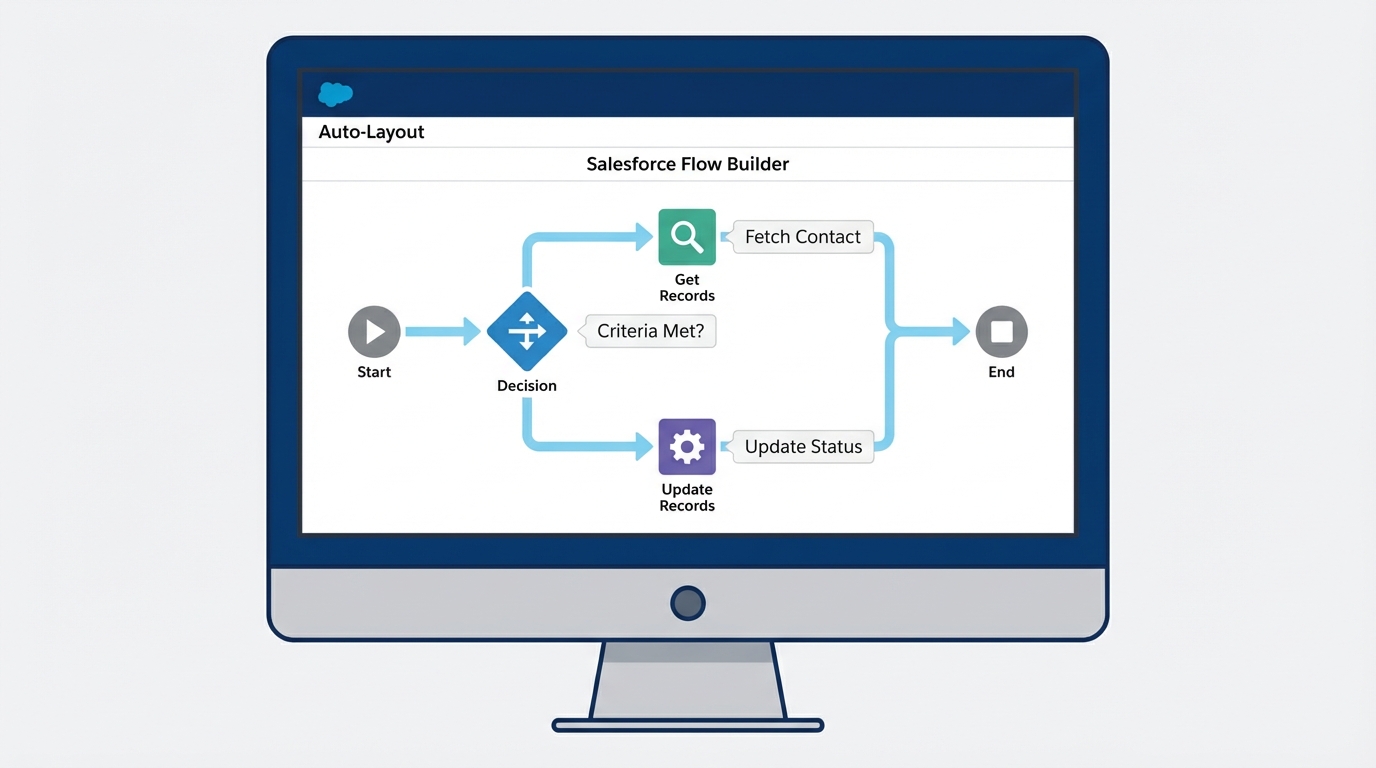
A realistic view of the Salesforce Flow Builder interface showing an organized automation workflow with various logic and data elements.
Operational Salesforce Flow best practices for long-term health
Naming conventions might sound boring, but they're a lifesaver. I'm a stickler for this because there's nothing worse than opening an old org and seeing twenty elements named "Update Record 1" or "Get Records 2". It tells you nothing. Use a clear pattern like [Action]_[Object]_[Context]. For example, "Update_Account_StatusOnClosedWon". It makes debugging so much faster.
Don't forget about bulkification
This is probably the most overlooked feature by people moving from simple Admin work into automation. You cannot put a Get Records or an Update Records element inside a loop. Just don't do it. It'll work fine when you test it with one record, but the second you try to upload a CSV of 200 leads, the whole thing will blow up in your face. We've got a whole guide on bulk record processing that goes deeper into why this matters for governor limits.
Pro tip: If you find yourself building the same logic in three different Flows, stop. Build it once as an Autolaunched Flow and call it as a subflow. It makes your life easier when the business logic inevitably changes next month.
When you're deep in the builder, it's easy to forget that Salesforce Flow best practices also apply to how you handle errors. Always use Fault Paths. If a Flow fails, you don't want your users seeing a generic "unhandled exception" red box. Send yourself an email with the error details or log it to a custom object so you can actually fix the problem.
Key Takeaways for Salesforce Flow best practices
- Plan before you build: Use a process map to catch logic gaps early.
- Bulkify everything: Never put DML statements or queries inside a loop.
- Name things clearly: Your future self will thank you when you're debugging at 4:00 PM on a Friday.
- Use subflows: Keep your logic modular and reusable to avoid technical debt.
- Fault paths are mandatory: Don't leave your users in the dark when something goes wrong.
Building great automation isn't just about making it work; it's about making it last. Start small, test with actual data, and always keep an eye on those governor limits. If you're consistent with these habits, you'll spend a lot less time fixing broken automations and more time building cool new features.




Leave a Comment