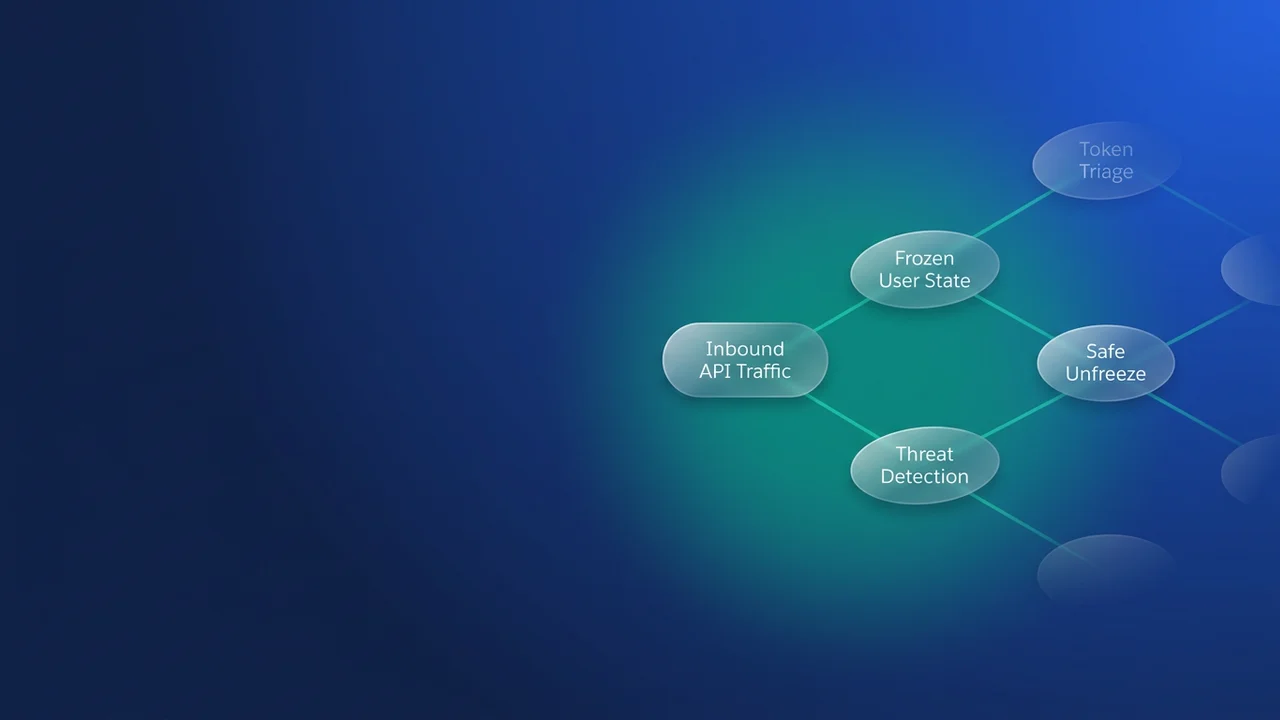

Your ERP sync stopped overnight. Nobody deployed anything, and nobody touched the integration user's credentials. Since Winter '27 the cause may be Salesforce itself: if it judges a user's API data access suspicious, it can end that user's sessions or, in critical cases, freeze the user and revoke everything granted to them. This runbook separates that from the other auth failures that look identical in your integration logs, then covers recovery and monitoring.
What Salesforce does when it flags API activity
The Winter '27 release note describes two levels of response. Most detections end the user's sessions and email the org's admins. When Salesforce sees what it calls "extremely unusual behavior", it freezes the user, revokes all access granted to them and emails the admins. It applies to Enterprise, Performance, Unlimited and Developer editions, in both Lightning Experience and Classic.
The release note leaves two things out. It publishes no detection thresholds, and it documents no specific error string for the frozen state. Anyone who quotes a row count that triggers the model is guessing. What Salesforce does expose is the list of signals that feed a detection, in the SecurityEventData field covered below: row count, column count, average row size, day of week, user agent and autonomous system (roughly, which network the traffic came from).
That list tells you which legitimate jobs are at risk. A new full-sync job or a historical backfill that suddenly pulls many more rows than the user normally does, from a cloud runner on a network the user has never used, matches the exfiltration profile closely. I have seen a backfill like this, run from a freshly provisioned runner, start a security review on its own, and that was before Salesforce automated the response.
For an integration, the two levels play out very differently:
- After a session kill, the user only has to log in again. Integrations that authenticate on every run (JWT bearer, client credentials) usually recover with their next token request.
- A freeze blocks login completely. I read "revoking all access granted" as meaning every OAuth token issued to that user is gone. That is my inference from the wording, but it is the safe assumption to plan around. Every integration sharing the user goes down at once.
Anomaly freeze, token expiry or flow retirement?
From the integration's log, all of these look alike: token requests fail or calls come back with an invalid session. Run three checks in this order: the admin inbox, UserLogin, then LoginHistory.
SELECT UserId, IsFrozen, IsPasswordLocked
FROM UserLogin
WHERE IsFrozen = true
SELECT LoginTime, Status, LoginType, Application, SourceIp
FROM LoginHistory
WHERE UserId = '005XXXXXXXXXXXXXXX'
ORDER BY LoginTime DESC
LIMIT 50
If the integration user appears in the first query and an admin received the automated email, you are looking at an anomaly freeze. If the user isn't frozen and LoginHistory shows successful logins after the failure began, look at token expiry or a retired grant type.
| Failure mode | What you see | Who is affected | How to recover |
|---|---|---|---|
| Anomaly session kill | Admin email; active sessions end; a fresh login succeeds | Sessions of the flagged user | Log in again. JWT bearer and client credentials recover on their own. A stored refresh token integration may need re-authorization if its tokens were revoked |
| Anomaly freeze | Admin email; UserLogin.IsFrozen = true; logins fail |
Every integration sharing that user, all at once | Investigate, rotate credentials if the activity is unrecognized, unfreeze, re-authorize |
| 30-day idle refresh token expiry | invalid_grant with "expired access/refresh token" on refresh |
One connection or token; the user stays active | Re-authorize that connection (details) |
| Auth flow retirement | Failures for one grant type, on a published date | Every integration using that grant type, whatever the user | Migrate to a supported flow (device flow, username-password flow) |
The most useful clue is how wide the damage spreads. One broken connection points to token expiry. Everything on one grant type failing on a known date points to a retirement. Everything on one user failing together, with an email in the admin inbox, points to anomaly detection.
Recover: investigate first, then unfreeze and re-authorize
The release note tells end users to contact their admin to unfreeze, which makes unfreezing an admin decision, and the admin should make it with evidence. My position: do not unfreeze before you know what happened. The cost is a longer outage. The alternative is handing a possibly compromised credential back its access.
- Read the automated email. If the admin or the integration owner recognizes the user and the activity (for example, the backfill that ran last night), Salesforce says further action may not be needed. Skip to step 5.
- If nobody recognizes it, report it to your internal security team and leave the user frozen. A frozen user keeps its license, so the investigation costs you nothing extra in seats.
- Work through Salesforce's log analysis guide for data exfiltration (Help article 005229030). Start with impact: which objects and fields could this user reach? Then check
LoginEventforSourceIp,LoginKeyandApplication(the connected app used). InApiEvent, checkConnectedAppId,QueriedEntitiesandRowsProcessed, where a value above zero means data went back to the client. For bulk jobs, check the Bulk API 2.0 event log for records processed andBulkApiResultEventfor result downloads. Correlate everything throughLoginKey,SessionKeyandRequestIdentifier. Without Shield you have Setup Audit Trail and Event Log Files, which are daily CSVs and arrive with a delay. - If the activity was not recognized, rotate the connected app consumer secret and the JWT signing certificate, plus any password the integration stores.
- Unfreeze in Setup > Users: click the username, then Unfreeze. You need the Freeze Users or Manage Users permission.
- Re-authorize. JWT bearer and client credentials integrations only need their next token request (with the new certificate or secret, if you rotated). Authorization code integrations need a person to sign in as the integration user and click Allow again, which is a good reason to avoid that flow for headless jobs.
- Run a smoke test that reads one record, then check the anomaly data again within the hour.
Monitor with ApiAnomalyEvent and transaction security
Anomaly events need the Shield or Event Monitoring add-on, the "View Real-Time Event Monitoring Data" permission and API v50.0 or later. ApiAnomalyEvent is the real-time stream. You can subscribe from a Flow, Pub/Sub API or Streaming API (CometD), but not from Apex triggers. ApiAnomalyEventStore keeps the same data and supports SOQL. Threat Detection runs on ML models, so expect a short gap between when an anomaly happens and when its event is created.
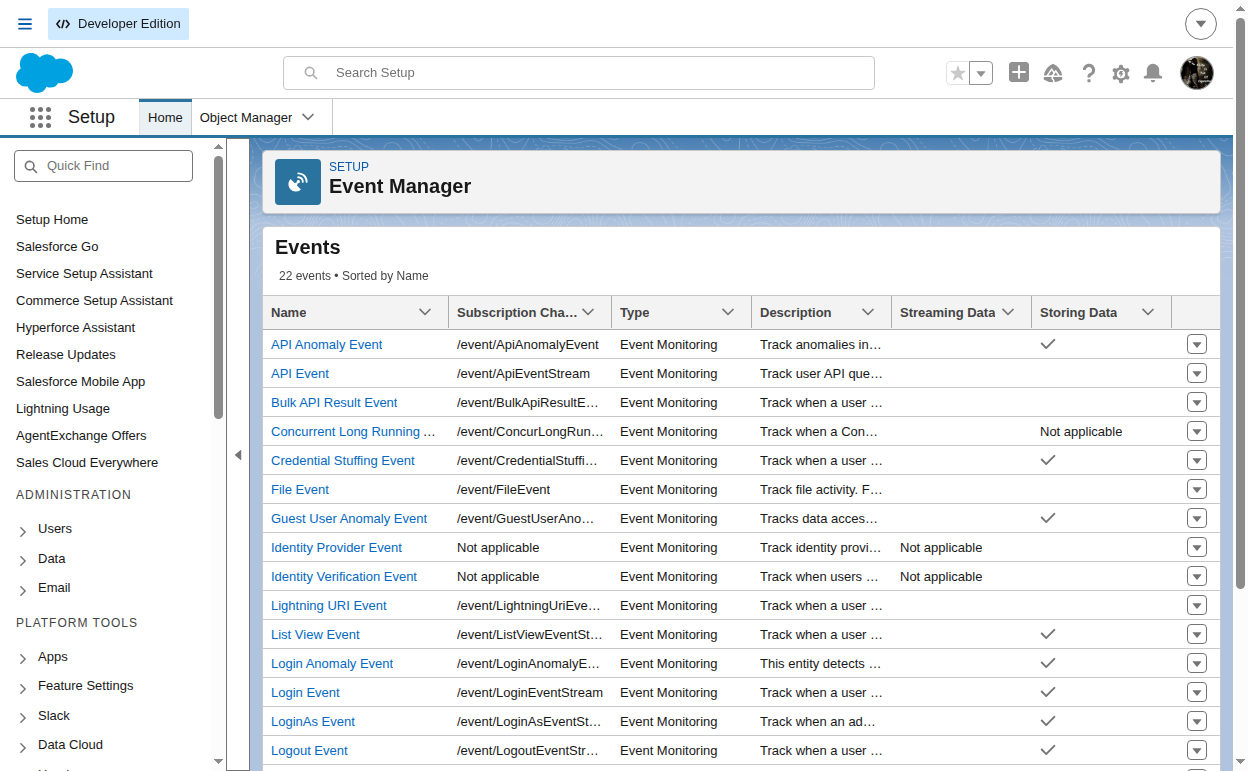
The documented filter and sort fields on the store are EventDate, Score, SourceIp, SessionKey, LoginKey and PolicyOutcome. Username isn't on that list, so this anonymous Apex filters by date, sorts by score and narrows to one integration user in code:
String target = '[email protected]';
for (ApiAnomalyEventStore a : [
    SELECT EventDate, Username, Score, Summary, Operation, QueriedEntities,
           RowsProcessed, SourceIp, UserAgent, PolicyOutcome, SecurityEventData
    FROM ApiAnomalyEventStore
    WHERE EventDate = LAST_N_DAYS:7
    ORDER BY Score DESC
    LIMIT 2000
]) {
    if (a.Username == target) {
        System.debug(a.EventDate + ' score=' + a.Score + ' rows=' + a.RowsProcessed
            + ' ip=' + a.SourceIp + ' :: ' + a.Summary);
    }
}
Score runs from 0 to 1, and a higher value means the activity differs more from that user's usual pattern. Summary gives the reason in plain language (an unusually high row count, an infrequent network), and SecurityEventData breaks down how much each signal contributed.
A freeze check that works without Shield
UserLogin is a standard object, so this check works in every supported edition. Schedule it hourly with System.schedule('Integration freeze check', '0 0 * * * ?', new IntegrationUserFreezeCheck());, running as an admin who can read user login data.
public with sharing class IntegrationUserFreezeCheck implements Schedulable {
    private static final Set<String> WATCHED = new Set<String>{
        '[email protected]',
        '[email protected]',
        '[email protected]'
    };
    private static final String OPS_ADDRESS = '[email protected]';

    public void execute(SchedulableContext ctx) {
        List<User> frozen = findFrozen();
        if (!frozen.isEmpty()) {
            notifyOps(frozen);
        }
    }

    public static List<User> findFrozen() {
        Map<Id, User> byId = new Map<Id, User>(
            [SELECT Id, Username FROM User WHERE Username IN :WATCHED]
        );
        List<User> frozen = new List<User>();
        for (UserLogin ul : [
            SELECT UserId FROM UserLogin
            WHERE UserId IN :byId.keySet() AND IsFrozen = true
        ]) {
            frozen.add(byId.get(ul.UserId));
        }
        return frozen;
    }

    private static void notifyOps(List<User> frozen) {
        List<String> names = new List<String>();
        for (User u : frozen) {
            names.add(u.Username);
        }
        Messaging.SingleEmailMessage mail = new Messaging.SingleEmailMessage();
        mail.setToAddresses(new List<String>{ OPS_ADDRESS });
        mail.setSubject('Frozen integration users: ' + frozen.size());
        mail.setPlainTextBody('Frozen: ' + String.join(names, ', ')
            + '. Check the admin inbox for a Salesforce API anomaly email before unfreezing.');
        Messaging.sendEmail(new List<Messaging.SingleEmailMessage>{ mail });
    }
}
A transaction security policy on ApiAnomalyEventStore
With Event Monitoring, a transaction security policy can alert you when an anomaly involves a user you care about. I treat this as notification only: choose a notify action and don't count on it to stop anything, because by the time the event exists the activity has already happened. The 0.8 floor is my own starting value. Salesforce publishes no threshold, so adjust it after a few weeks of reviewing the scores in your org.
global class IntegrationAnomalyCondition implements TxnSecurity.EventCondition {
    // Own tuning choice, not a Salesforce threshold.
    private static final Decimal SCORE_FLOOR = 0.8;
    private static final String INTEGRATION_DOMAIN = '@acme-integration.com';

    public boolean evaluate(SObject event) {
        switch on event {
            when ApiAnomalyEventStore anomaly {
                return isIntegrationUser(anomaly) || isHighScore(anomaly);
            }
            when else {
                return false;
            }
        }
    }

    private boolean isIntegrationUser(ApiAnomalyEventStore anomaly) {
        return anomaly.Username != null
            && anomaly.Username.toLowerCase().endsWith(INTEGRATION_DOMAIN);
    }

    private boolean isHighScore(ApiAnomalyEventStore anomaly) {
        return anomaly.Score != null && anomaly.Score >= SCORE_FLOOR;
    }
}
Reduce the blast radius before it happens
Give each integration its own user. If the ERP sync, the warehouse feed and the billing export all share one login, a freeze caused by one of them stops all three, and the investigation has to clear all three before anything comes back. Separate users also make ApiAnomalyEventStore easier to read, because each user's baseline reflects one job.
Keep each user's access as narrow as its job: a permission set that covers only the objects and fields it syncs, and API-only access. Narrow access shrinks the impact assessment in step 3 and limits what a stolen credential could pull.
Authenticate with JWT bearer or client credentials. Both re-authenticate without a person, so a session kill fixes itself, and recovery after a freeze comes down to rotating the certificate or secret and unfreezing.
The trade-off is overhead. More users means more licenses to budget for (Salesforce offers Integration user licenses, so check your allocation) and more certificates to rotate. I accept that cost, because a shared integration user turns one flagged job into an outage across the whole org.
Before a large backfill, tell your security team and Salesforce admins. Salesforce documents no allowlist or way to pre-register a job with anomaly detection, so the best you can do is make sure the person reading the alert email already knows about the job.
What to watch for
- Salesforce publishes no detection thresholds and no frozen-state error string. Build alerts on
IsFrozenand the anomaly objects, and don't match on error text. - Anomaly events arrive a short time after the activity because ML scoring takes time.
ApiAnomalyEventcan't be handled by Apex triggers. Use a Flow, Pub/Sub API or CometD subscriber.- The anomaly objects and transaction security policies need Shield or Event Monitoring. The
UserLoginfreeze check works without either. - Treat "revokes all access" as meaning every token is gone, and re-authorize every connection on the user after you unfreeze.
- Frozen users still consume their licenses.
Leave a Comment