
Every article
Page 32 of 41 · 485 articles
 Apex
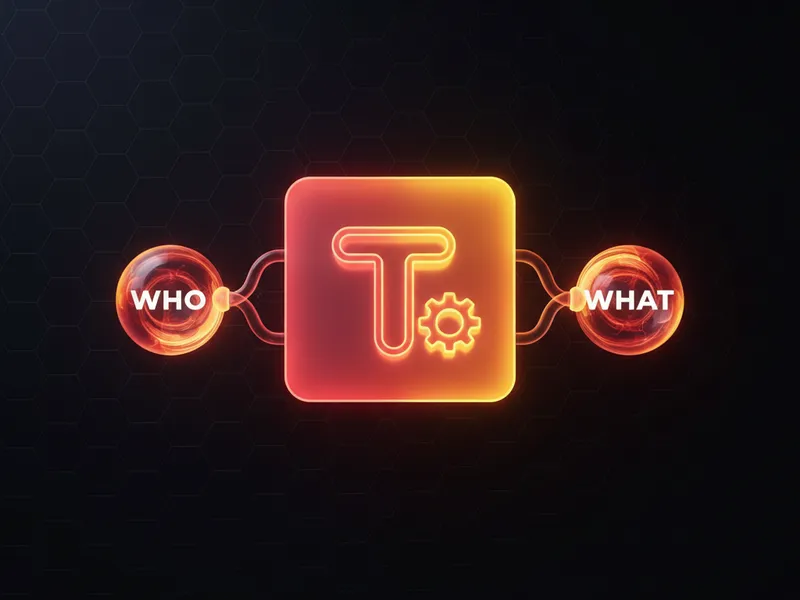
Guide to WhoId and WhatId in Salesforce Tasks and Events
In Salesforce, WhoId holds a Lead or Contact, WhatId holds the record the activity is about, and a Lead in WhoId blocks...
 Apex
Choosing before vs after triggers in Salesforce Apex
Choosing the wrong trigger timing can lead to messy code and governor limit issues. Here is when to use before vs after...
 Integration
Salesforce OAuth Explained: Secure Your API Integrations
Most of us copy and paste Salesforce OAuth settings and hope for the best, but OAuth is what holds your integrations...
 Integration
Salesforce External Objects: A Guide to Data Integration
Stop building custom sync engines for ERP data. Salesforce External Objects let you view millions of rows in real time...
 Visualforce
Add a Lightning component in Visualforce using Lightning Out
You do not need a full rewrite to put modern UI on a legacy page. Lightning Out drops a Lightning component straight...
 Agentforce & AI
How to Set Up Agentforce Experience Cloud for Self-Service
Your customers should not sit in a queue to ask a basic policy question. Here is how to get an Agentforce agent live on...
 Integration
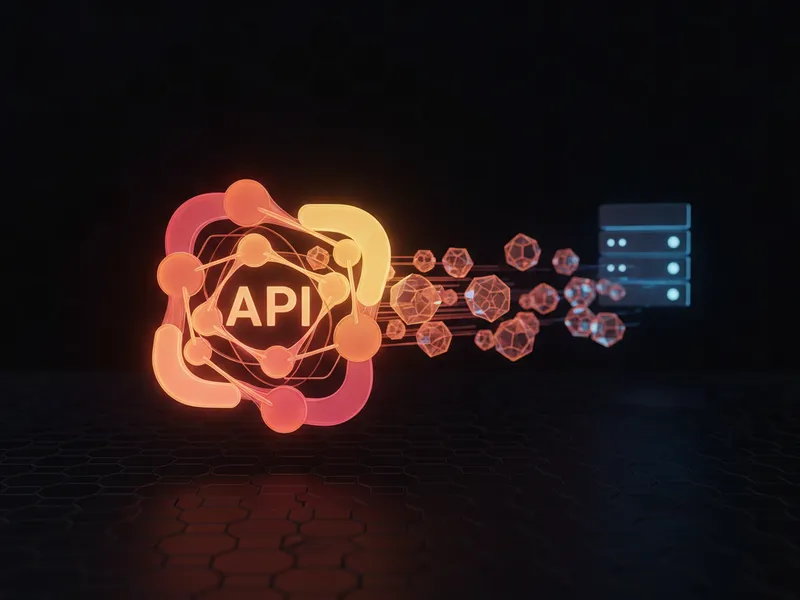
Salesforce REST API: A Guide to Modern Integrations
If you are building integrations today, you are going to spend a lot of time with the Salesforce REST API. It is a...
 Admin
Salesforce advanced reporting: Beyond basic report types
Basic reports stop short of the full picture. Here is how cross filters and joined reports get you the data you...
 Flow
Screen Flow vs Autolaunched Flow - Differences and Use Cases
Choosing between a Screen Flow and an Autolaunched Flow trips up plenty of admins. Screen Flows need a user interface;...
 LWC
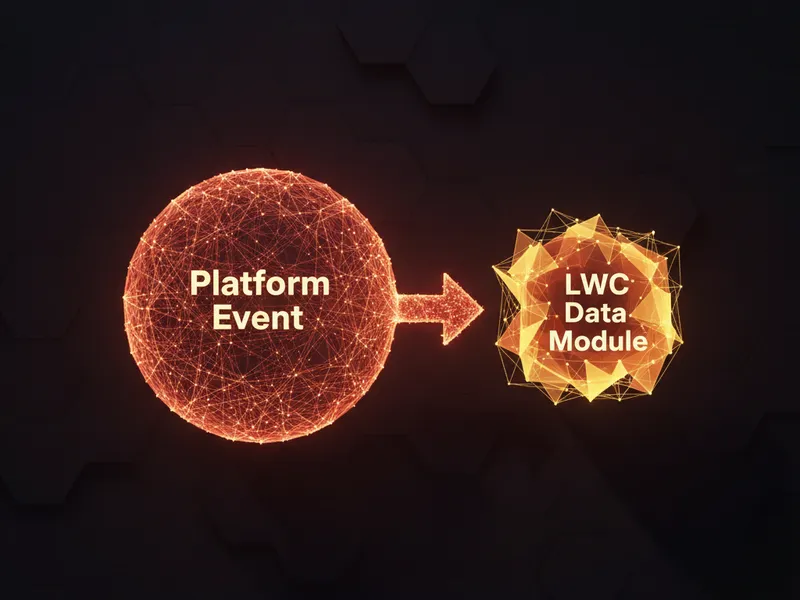
Refresh LWC data with Platform Events and refreshApex
Ever update a record in Salesforce and watch your custom LWC keep showing the old data? Here is how to use a Platform...
 Admin
Understanding the Salesforce DataRaptor in OmniStudio
If you work in OmniStudio, you have run into the Salesforce DataRaptor. It is a declarative tool that translates...
 Integration
Salesforce Connected App: Secure Your API Integrations
Think of a Salesforce Connected App as a digital ID card for your external software. It is your control panel for...