
Every article
Page 31 of 40 · 471 articles
 Integration
Salesforce OAuth Explained: Secure Your API Integrations
Most of us copy and paste Salesforce OAuth settings and hope for the best, but OAuth is what holds your integrations...
 Integration
Salesforce External Objects: A Guide to Data Integration
Stop building custom sync engines for ERP data. Salesforce External Objects let you view millions of rows in real time...
 Visualforce
Add a Lightning component in Visualforce using Lightning Out
You do not need a full rewrite to put modern UI on a legacy page. Lightning Out drops a Lightning component straight...
 Agentforce & AI
How to Set Up Agentforce Experience Cloud for Self-Service
Your customers should not sit in a queue to ask a basic policy question. Here is how to get an Agentforce agent live on...
 Integration
Salesforce REST API: A Guide to Modern Integrations
If you are building integrations today, you are going to spend a lot of time with the Salesforce REST API. It is a...
 Admin
AdminSalesforce advanced reporting: Beyond basic report types
Basic reports stop short of the full picture. Here is how cross filters and joined reports get you the data you...
 Flow
FlowScreen Flow vs Autolaunched Flow - Differences and Use Cases
Choosing between a Screen Flow and an Autolaunched Flow trips up plenty of admins. Screen Flows need a user interface;...
 LWC
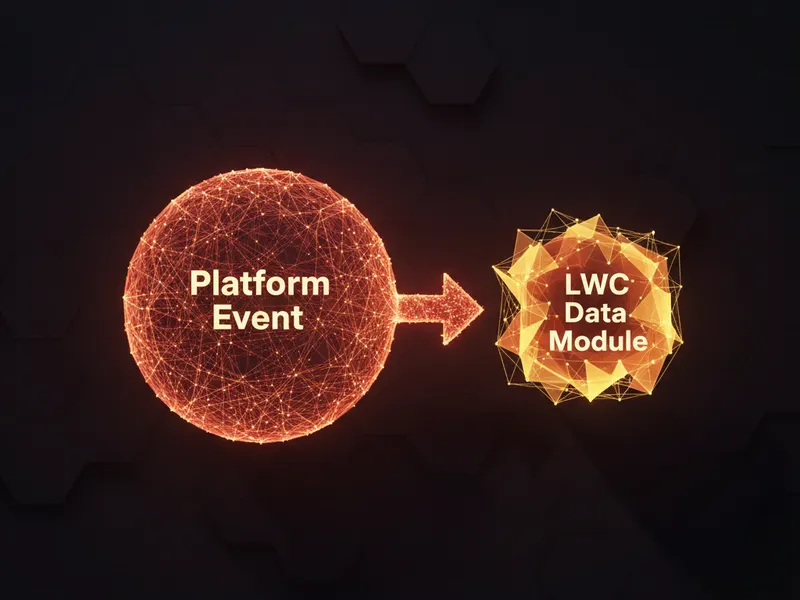
LWCRefresh LWC data with Platform Events and refreshApex
Ever update a record in Salesforce and watch your custom LWC keep showing the old data? Here is how to use a Platform...
 Admin
AdminUnderstanding the Salesforce DataRaptor in OmniStudio
If you work in OmniStudio, you have run into the Salesforce DataRaptor. It is a declarative tool that translates...
 Integration
Salesforce Connected App: Secure Your API Integrations
Think of a Salesforce Connected App as a digital ID card for your external software. It is your control panel for...
 Admin
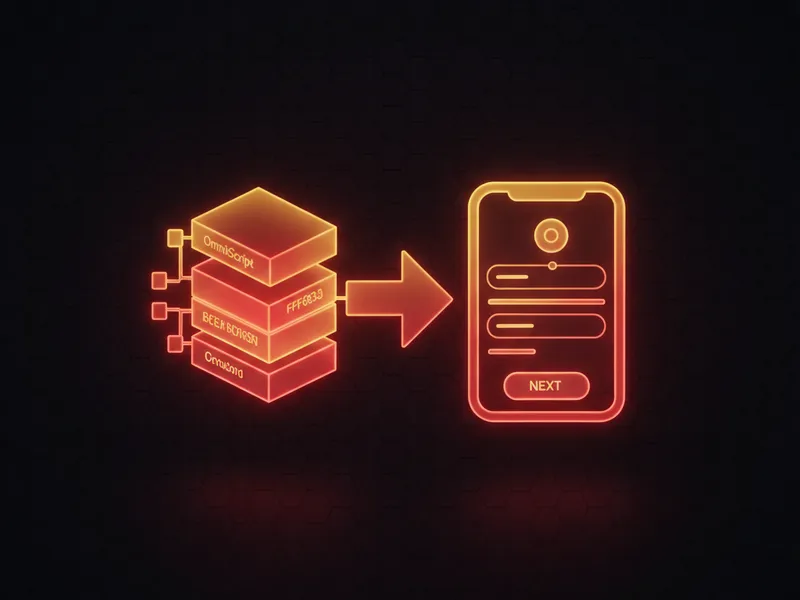
AdminSalesforce OmniScript Guide - Build Guided User Experiences
Tired of building multi-step flows with custom code? Salesforce OmniScript is a drag-and-drop tool for building wizards...
 Apex
ApexSalesforce Trigger Class: Why and How to Use Handlers
Putting all your logic inside a trigger is how you end up with technical debt nobody wants to touch. Here is how a...